
Change your card’s theme
See every theme, with real pictures, and switch your card to the one made for your business.
Change the theme in 4 steps
- On your dashboard, open Digital Business Cards, tap the ⋮ menu on your card and choose Edit.
- In the first section, Basic Details, tap Choose a theme.
- Search by name (for example doctor, restaurant or modern) or scroll, and tap the one you like.
- Tap Save, then open your card link to see it. Your details, products and photos stay as they are.
Cards made with the quick card start in Modern Blue Light. You can switch as often as you like. Some themes can show a YouTube or Vimeo video as the cover; others can’t.
Made for a business type
Each one has its own page with what to add and who it suits. Tap a theme to see it.
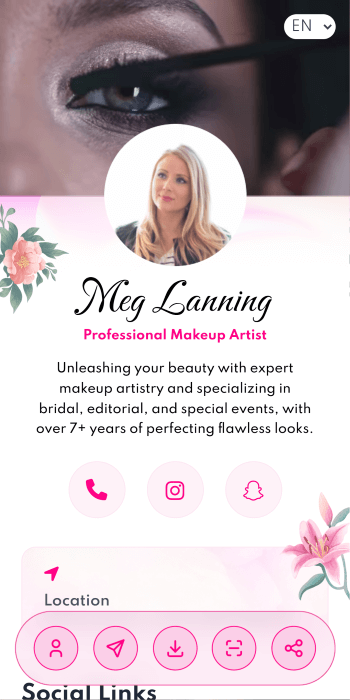
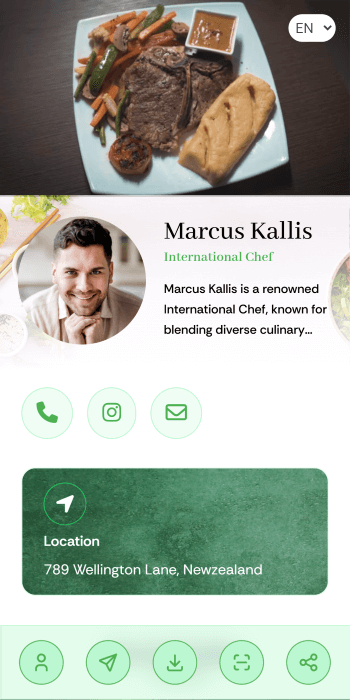
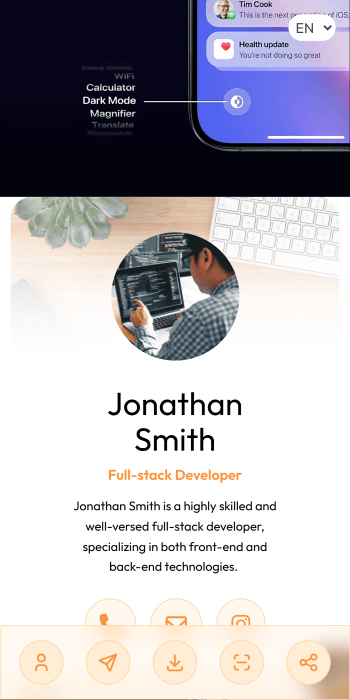
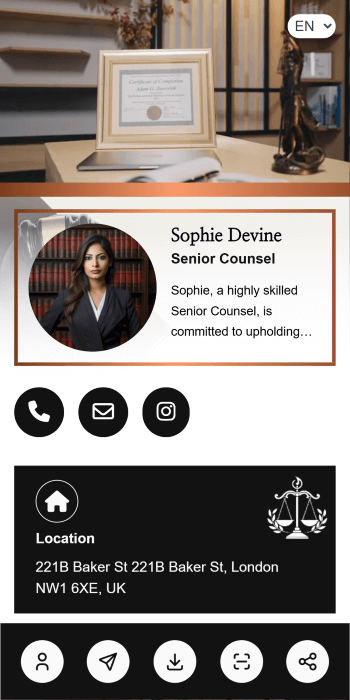
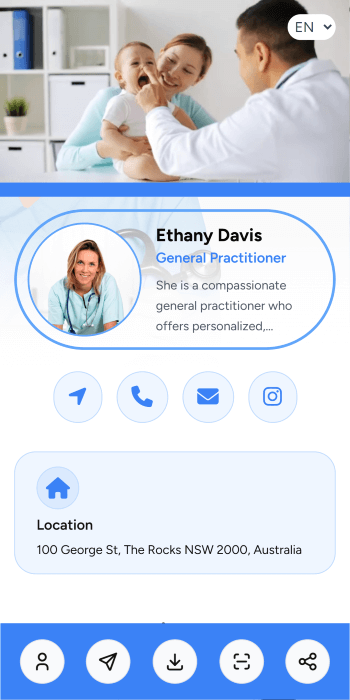
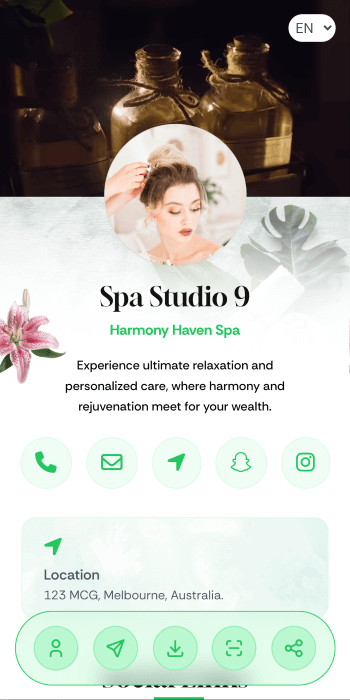
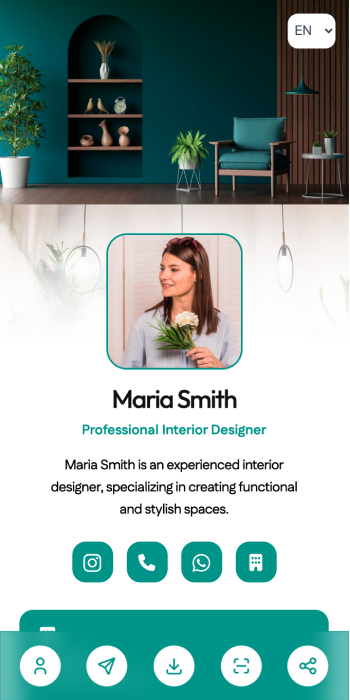
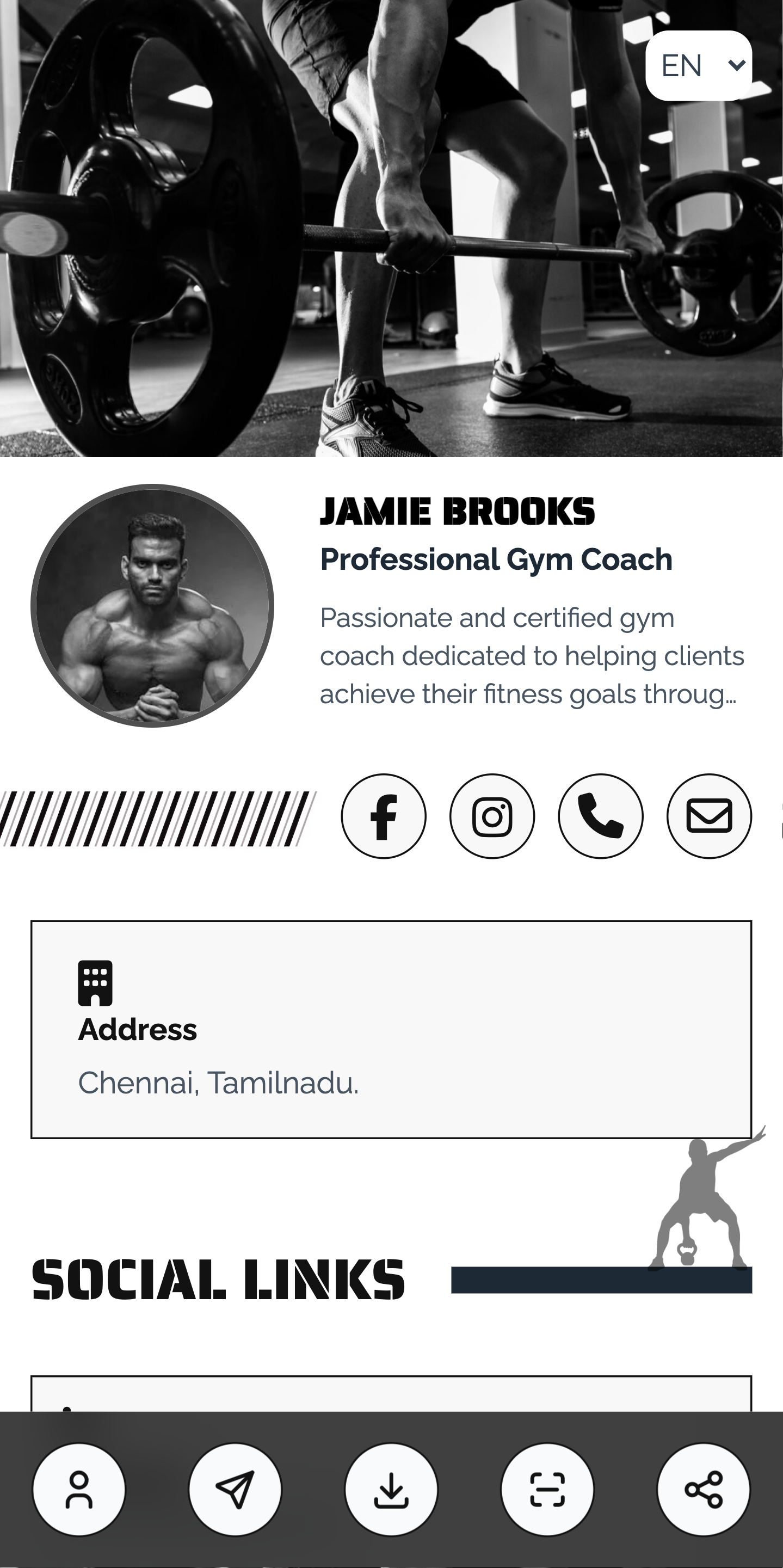
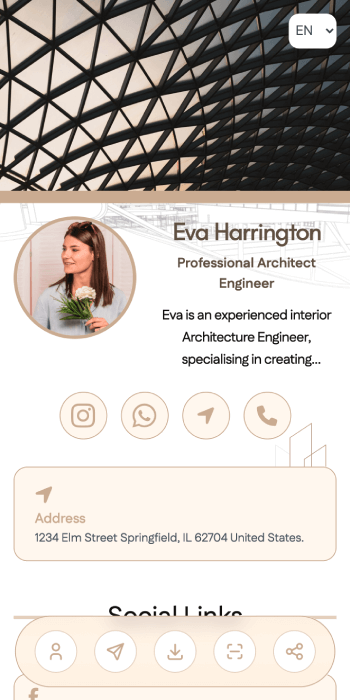
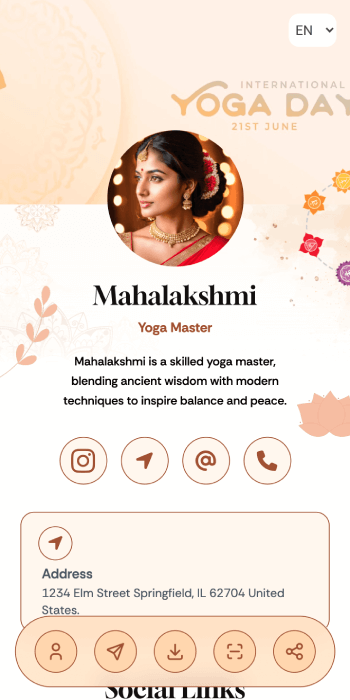
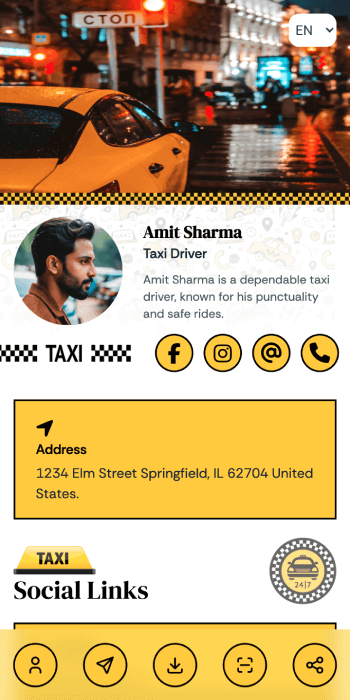
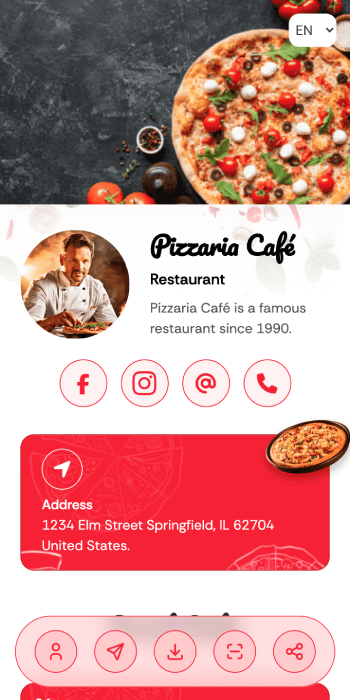
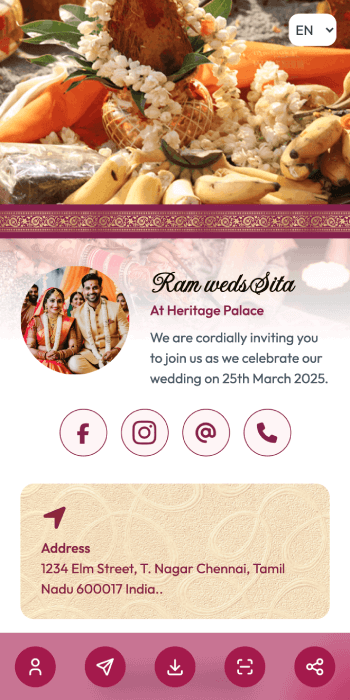

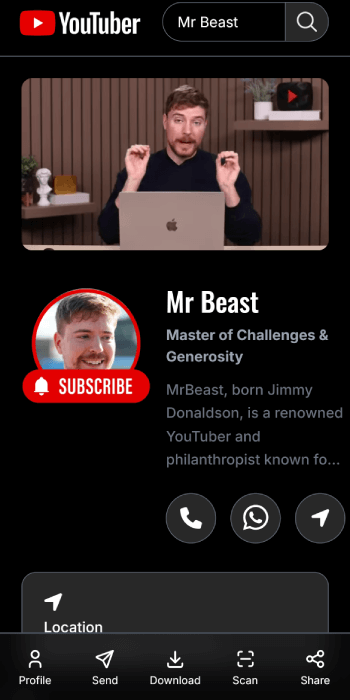
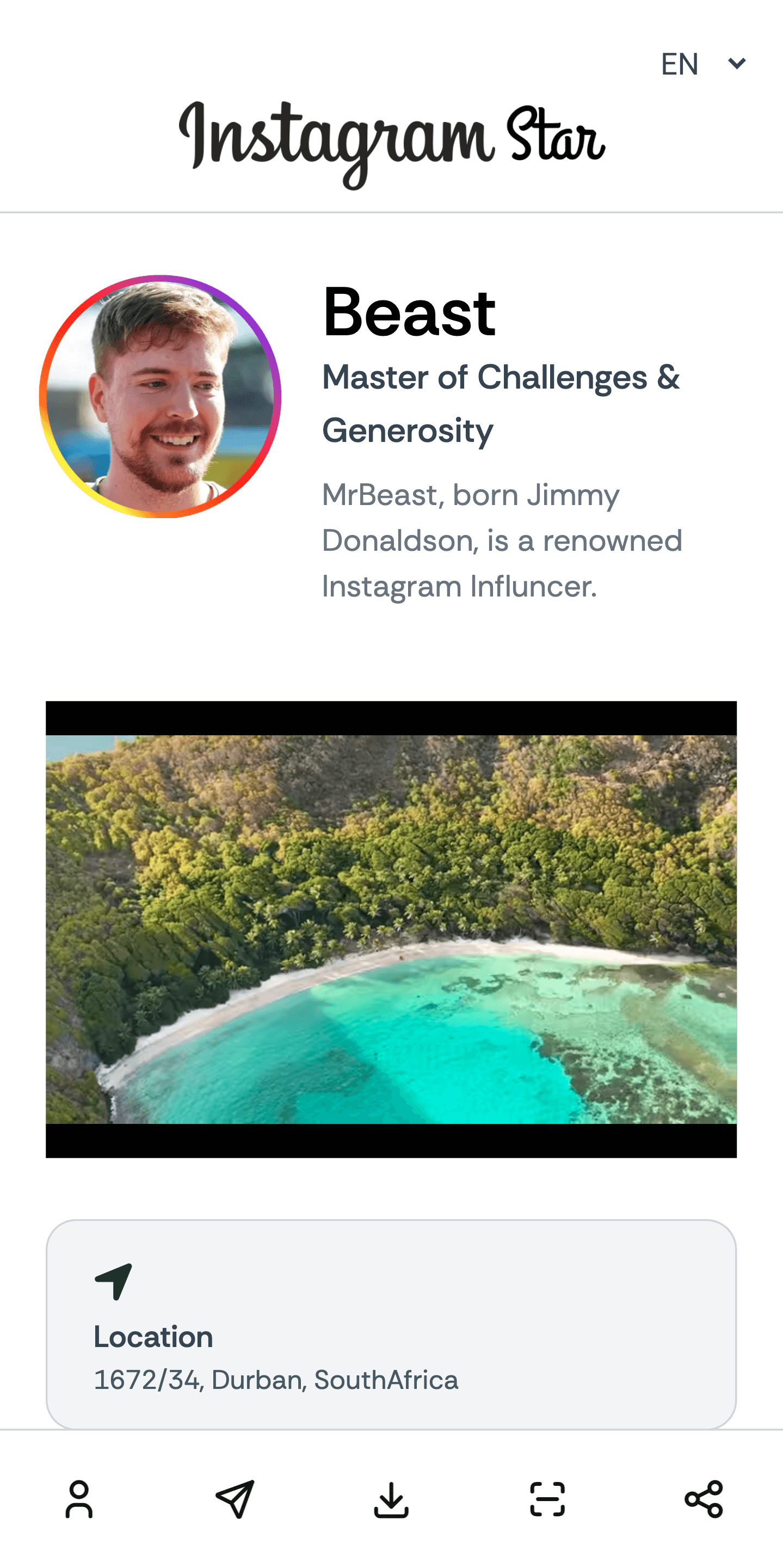
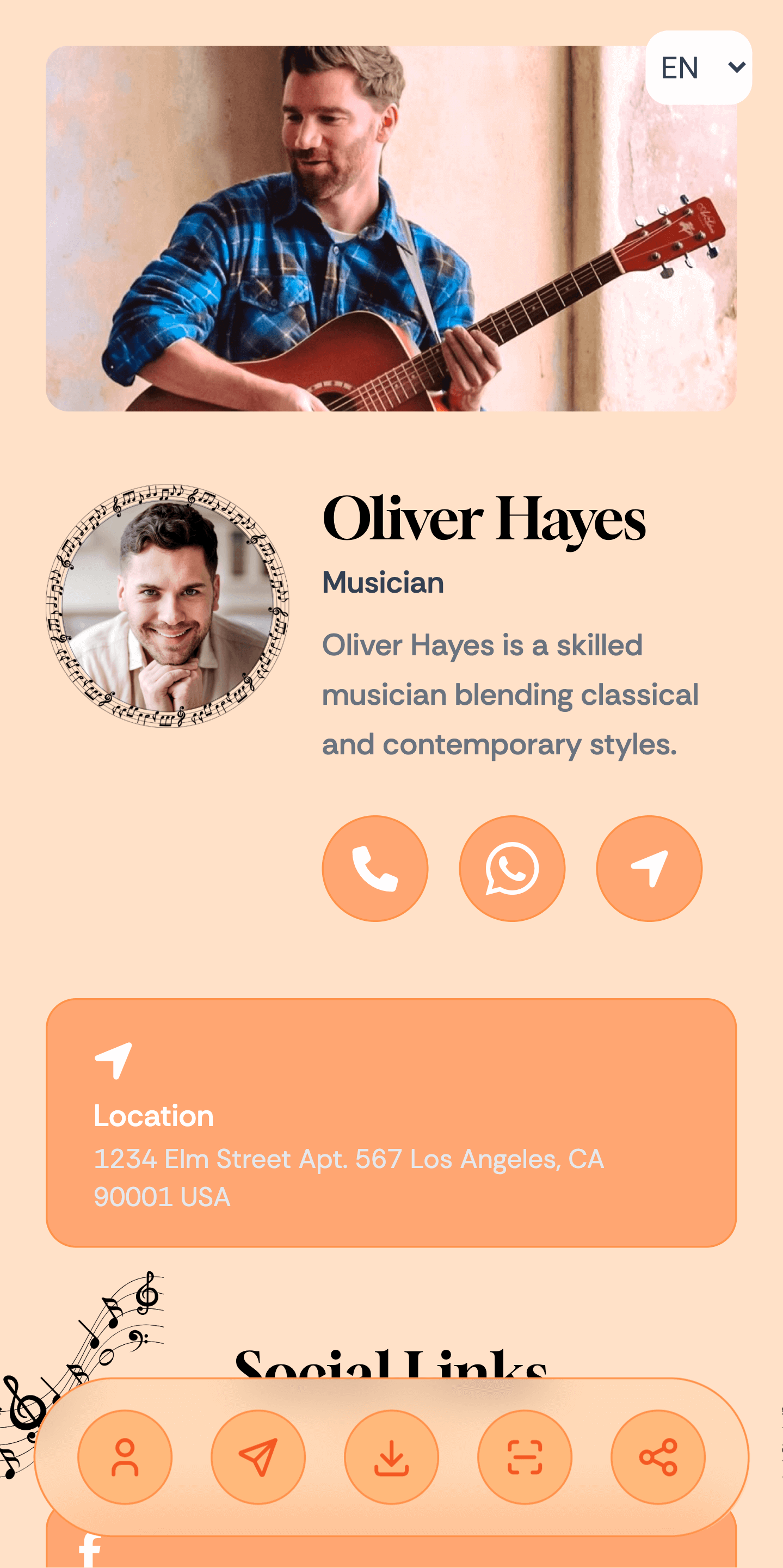
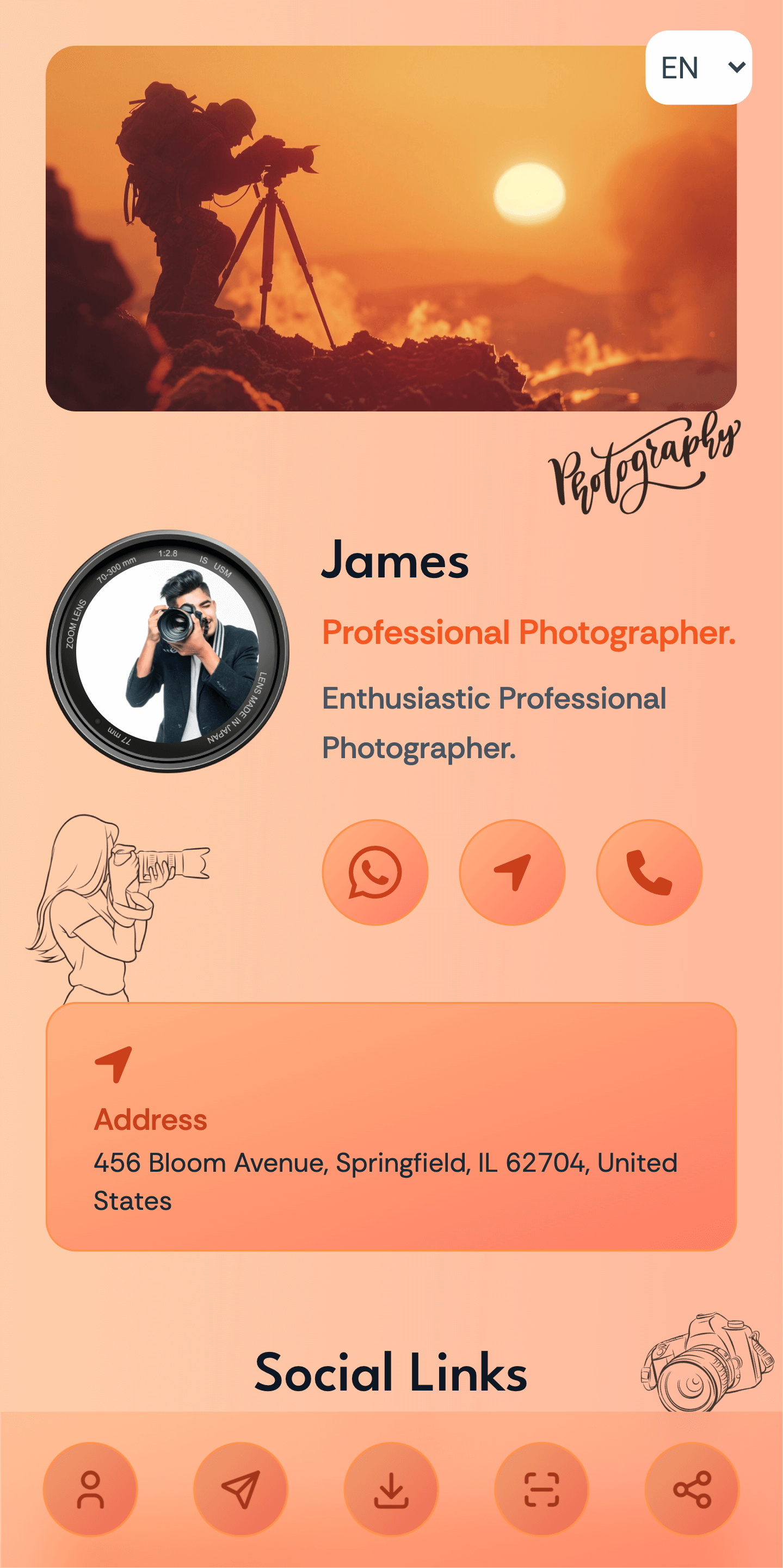
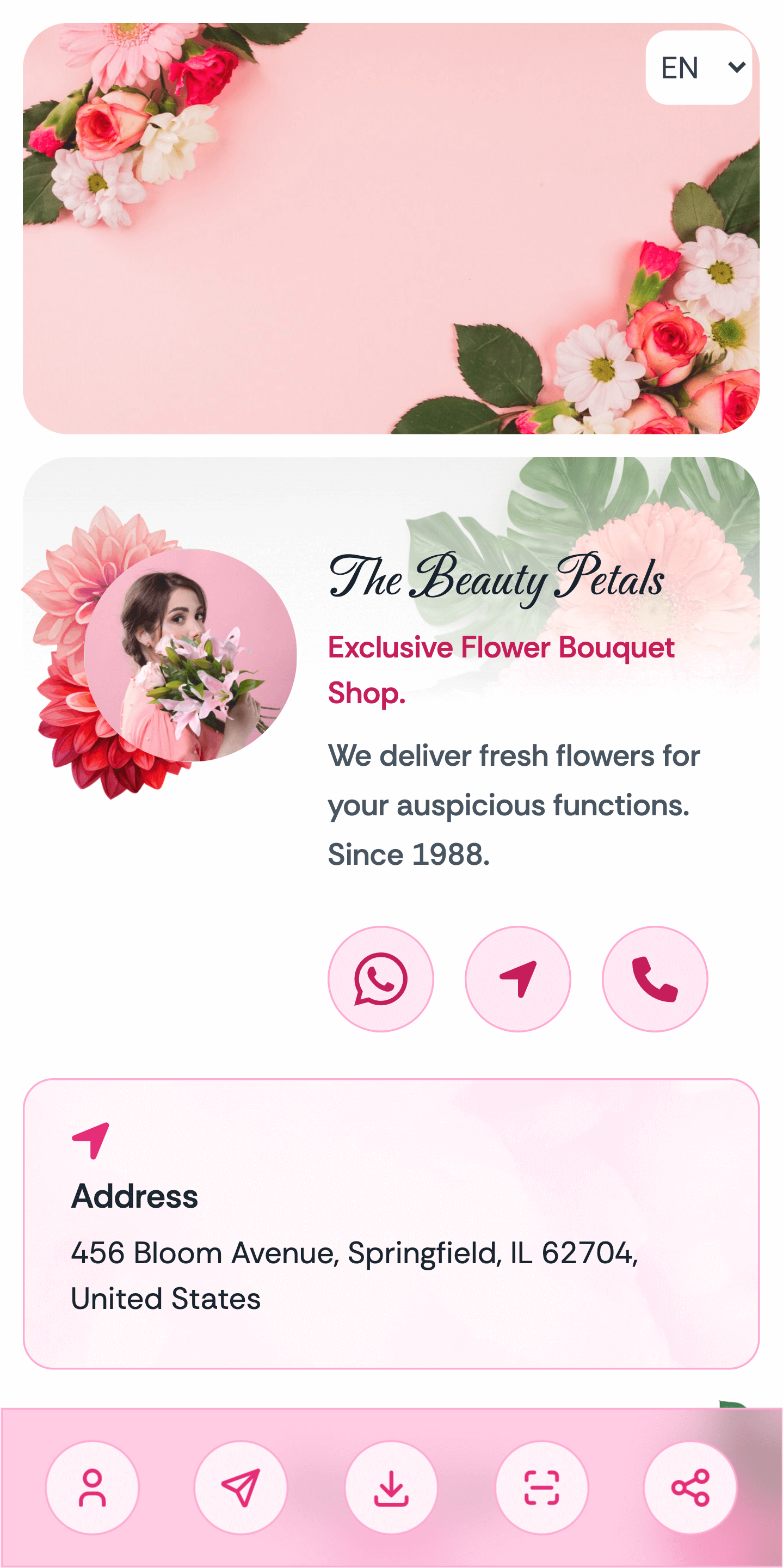
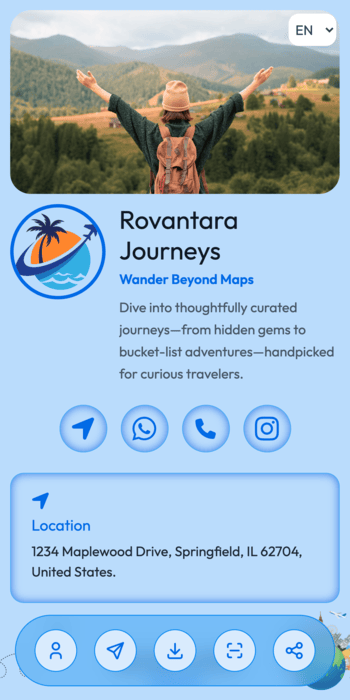
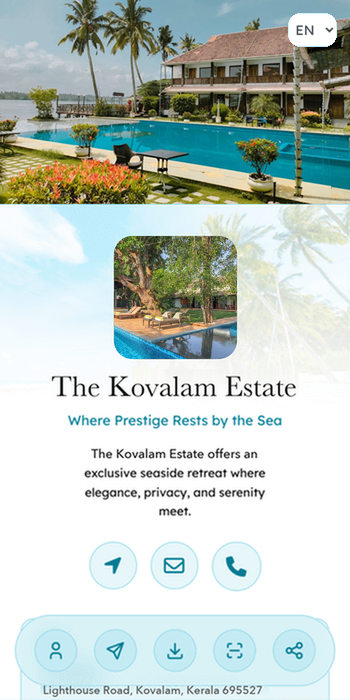
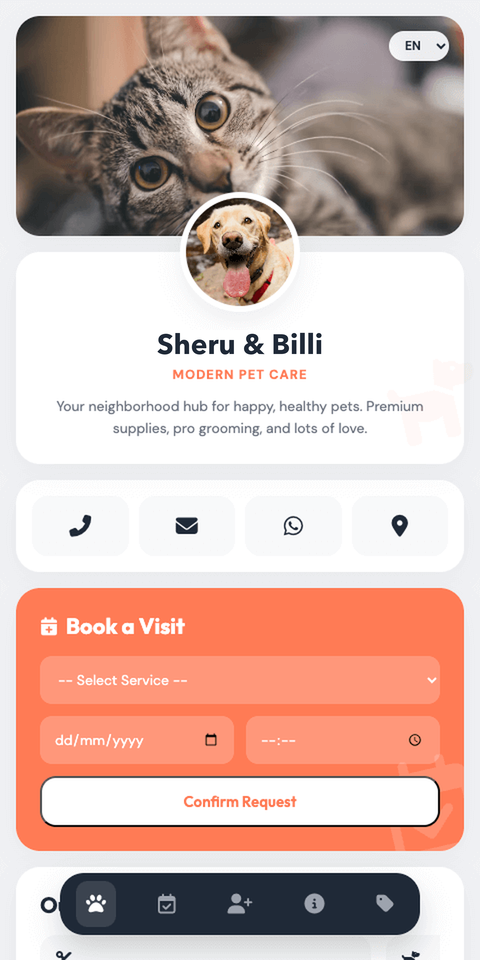
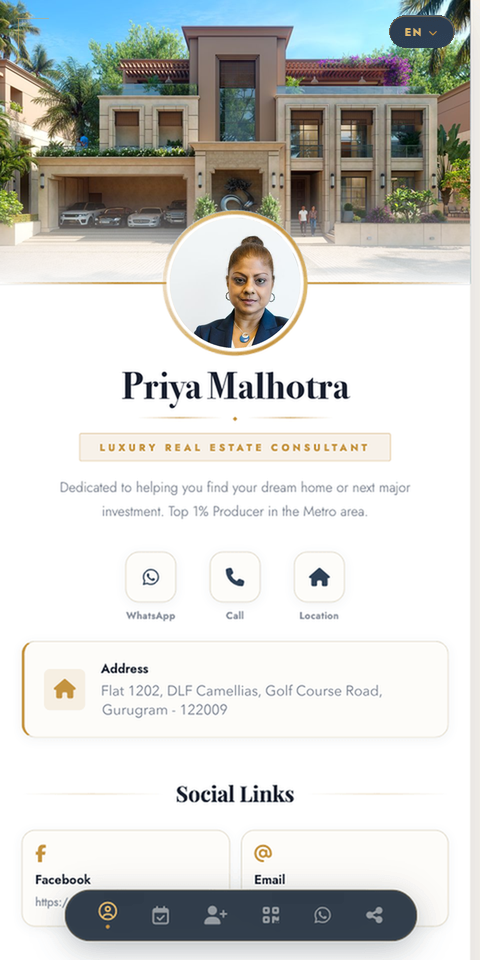
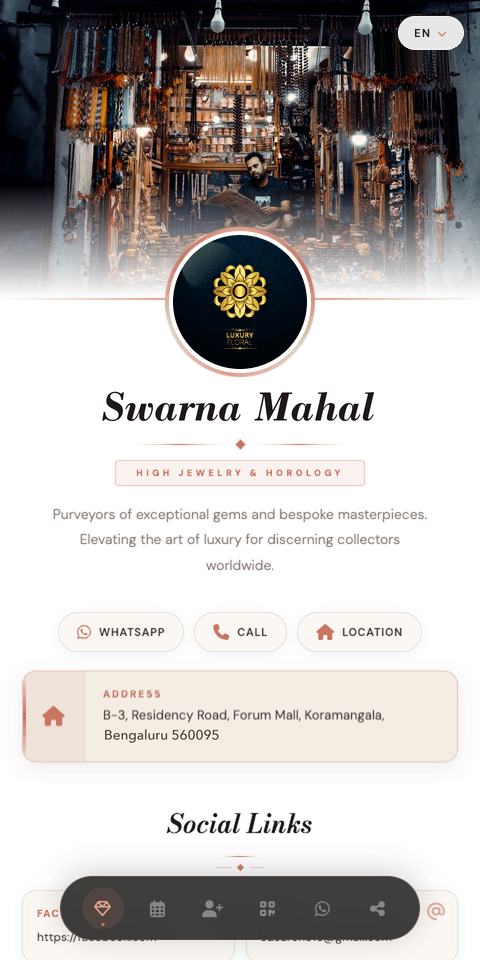
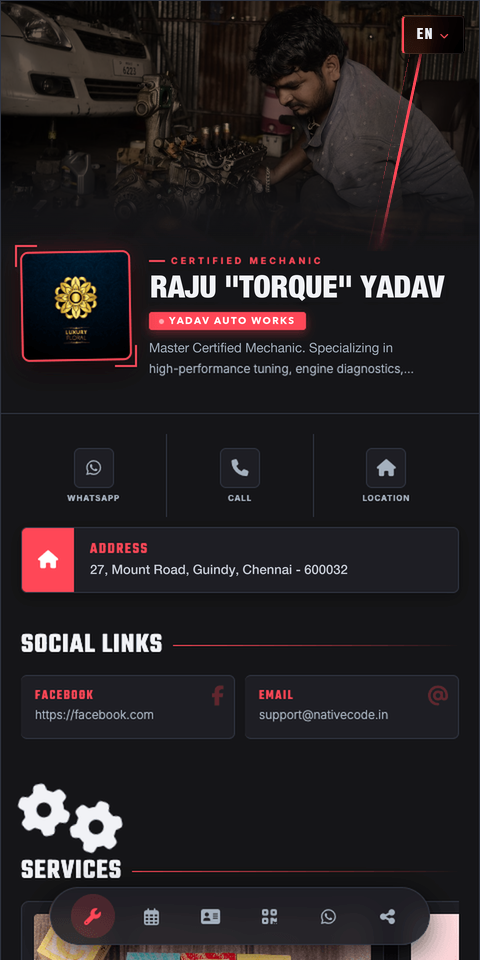
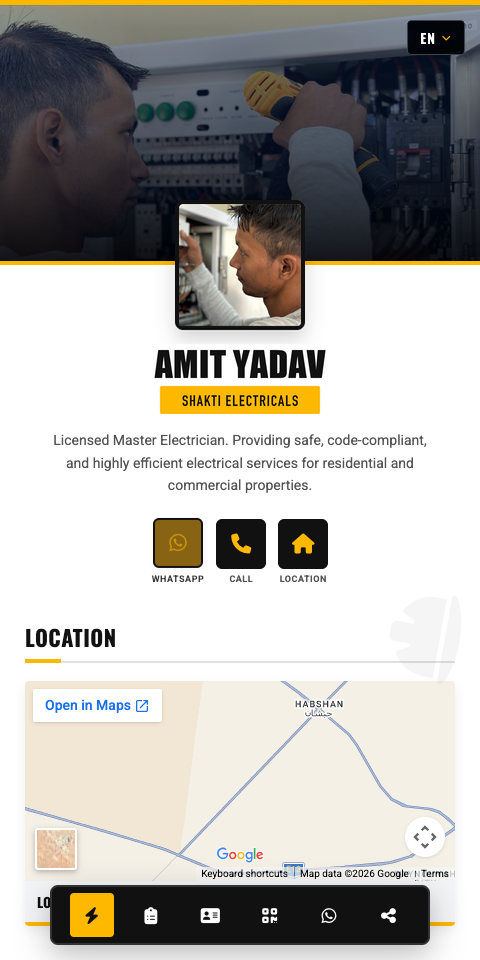
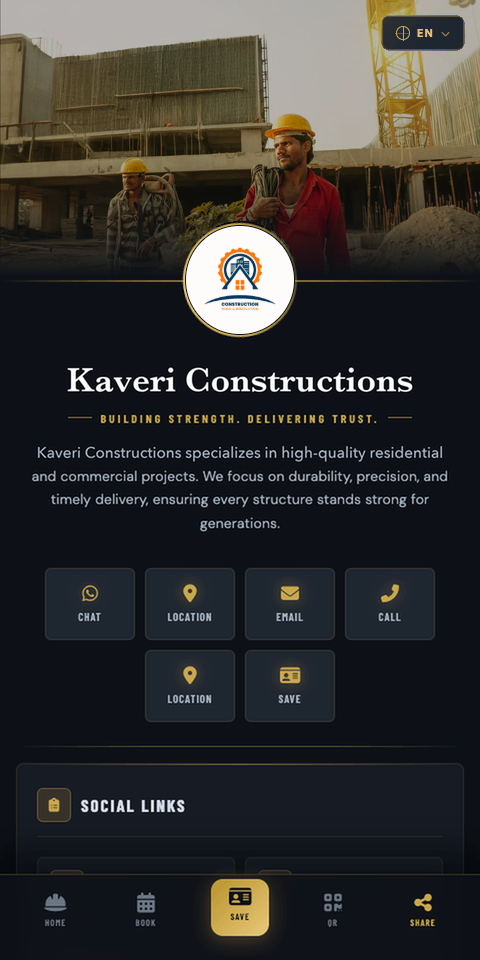
General: Basic
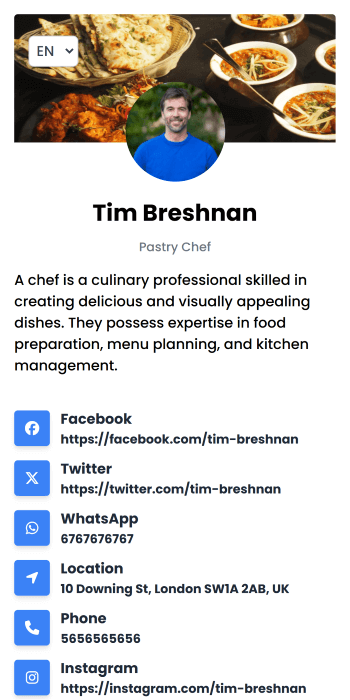
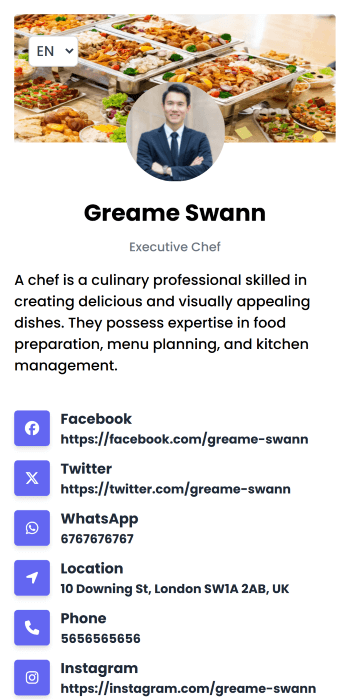
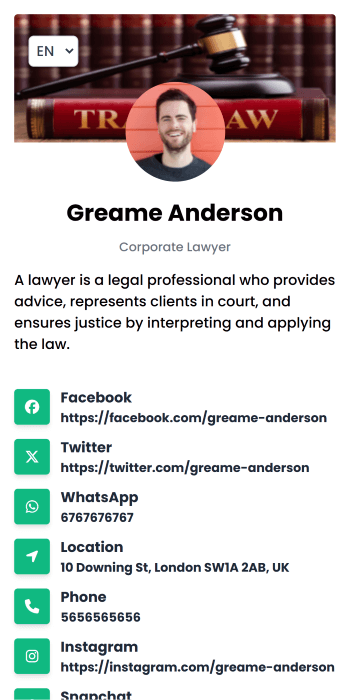
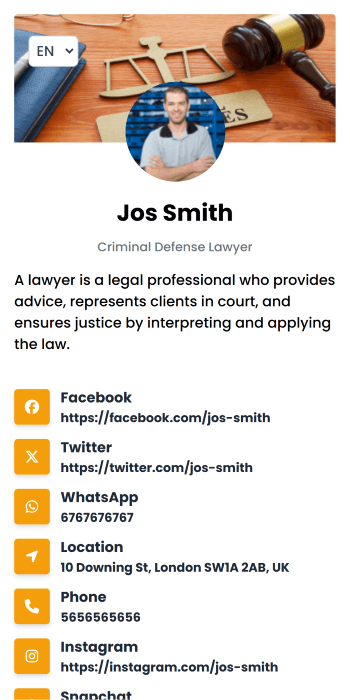
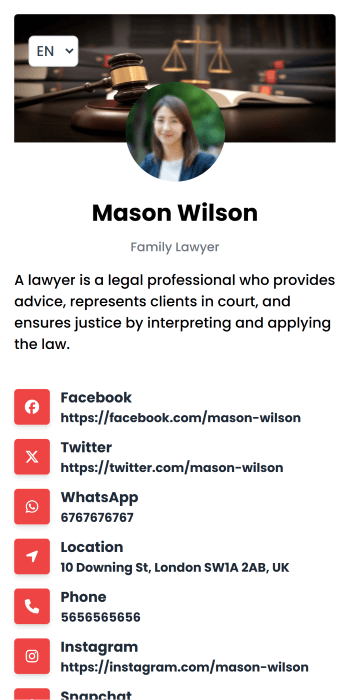
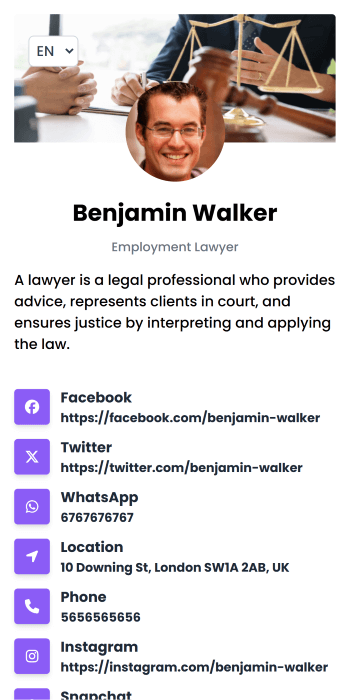
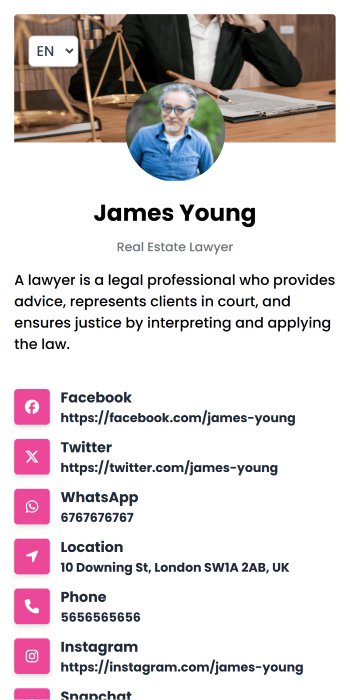
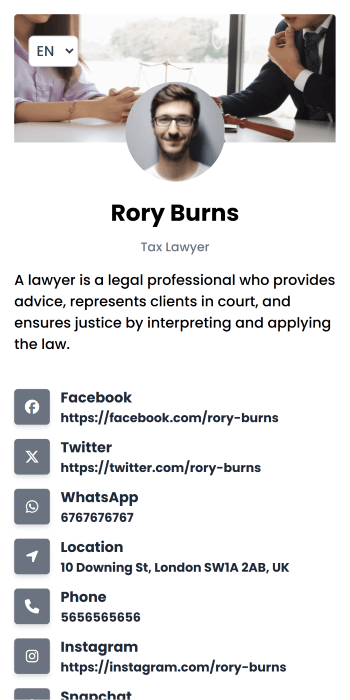
General: Flat
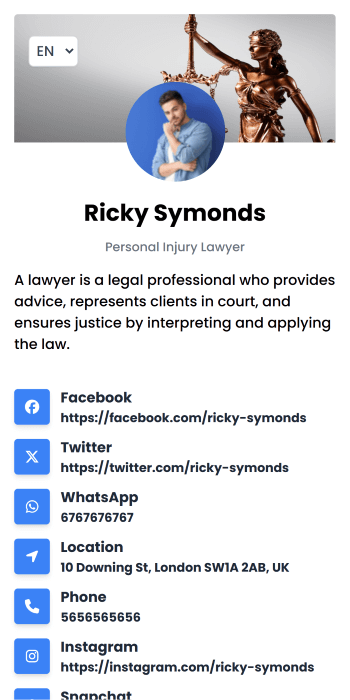
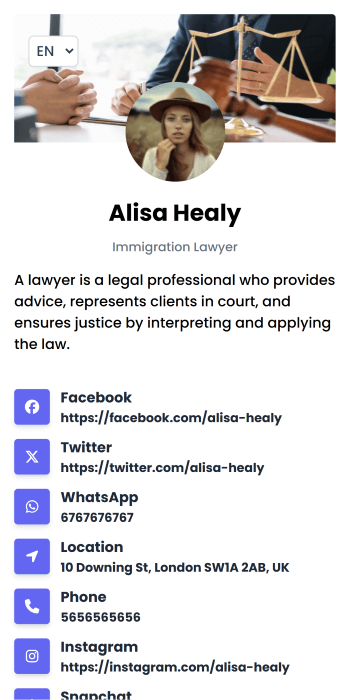
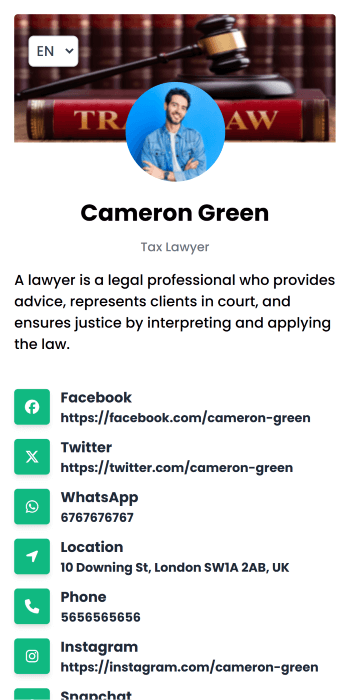
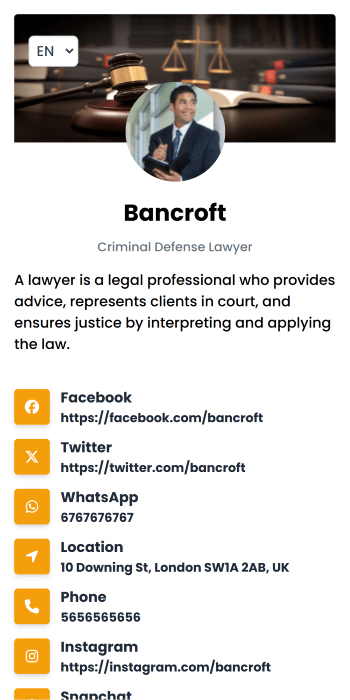
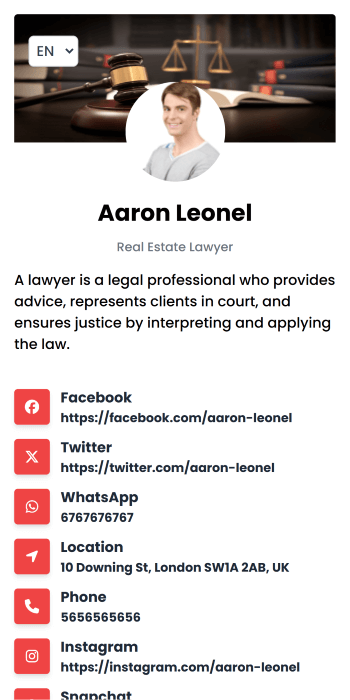
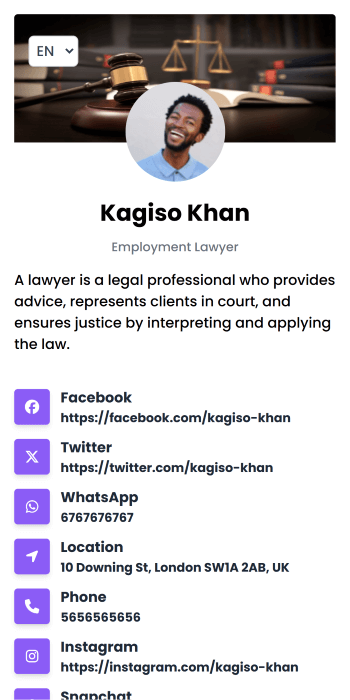
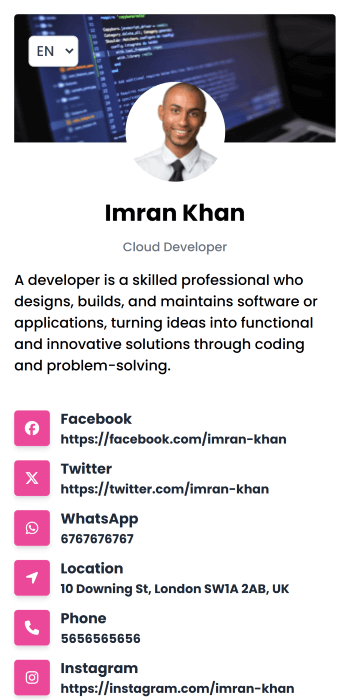
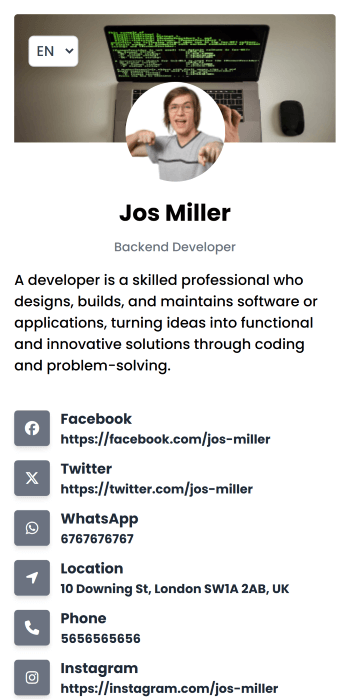
General: Retro
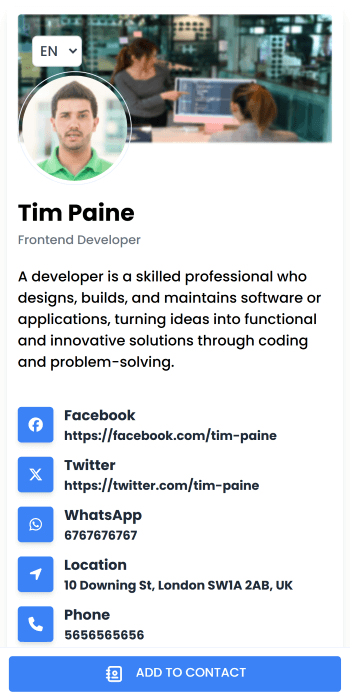
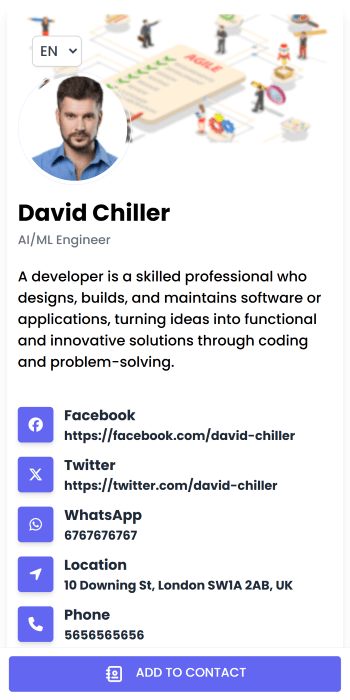
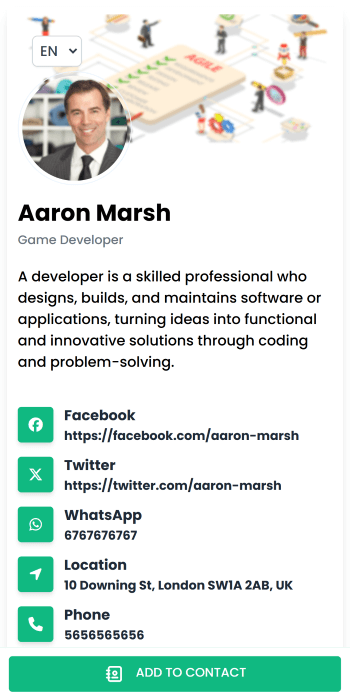
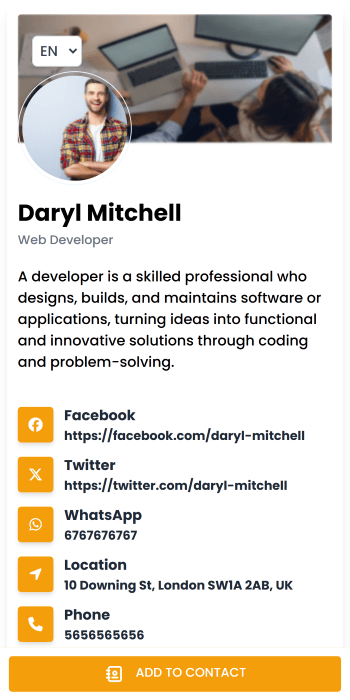
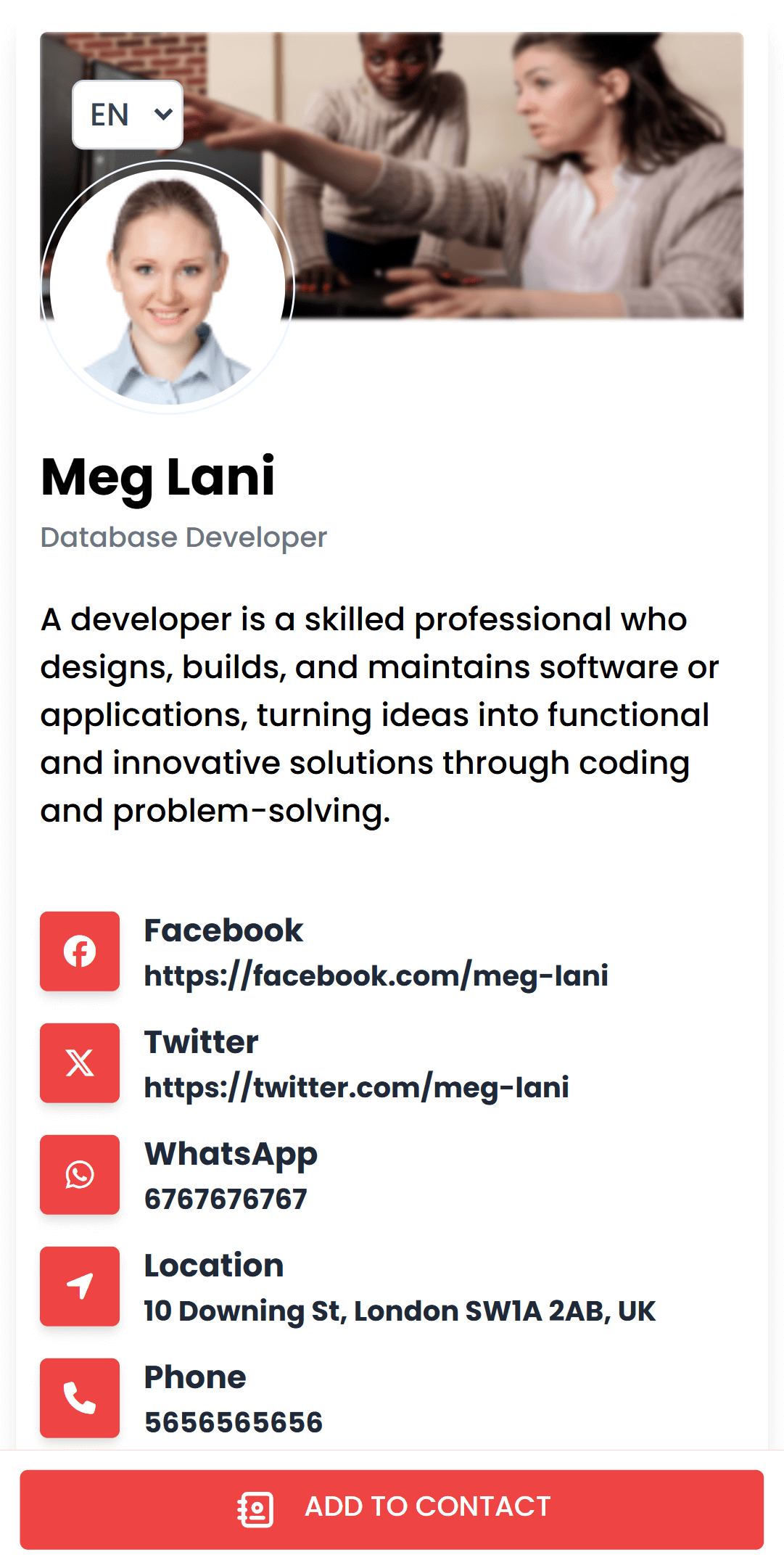
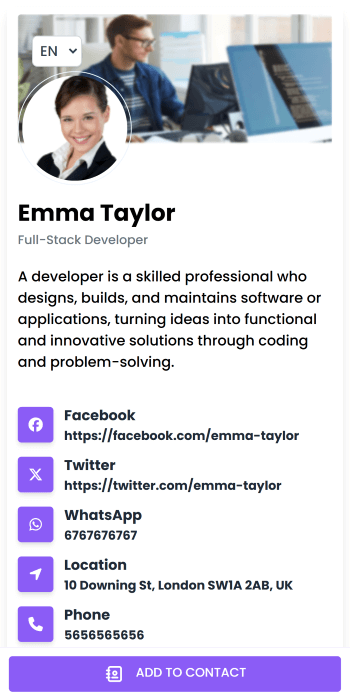
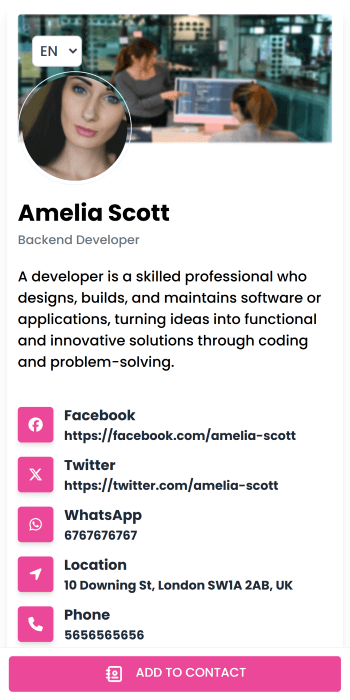
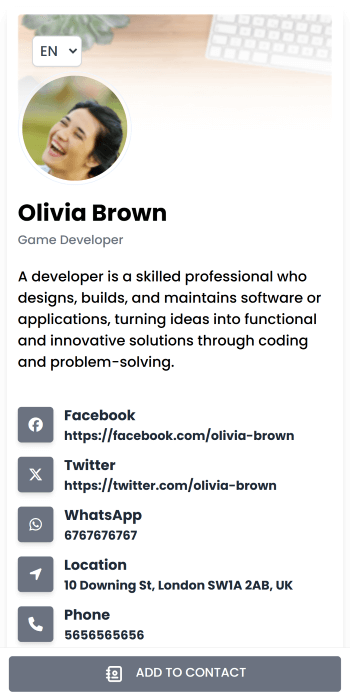
General: Modern
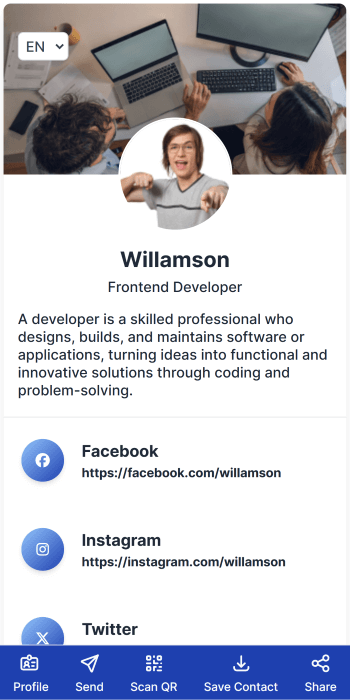
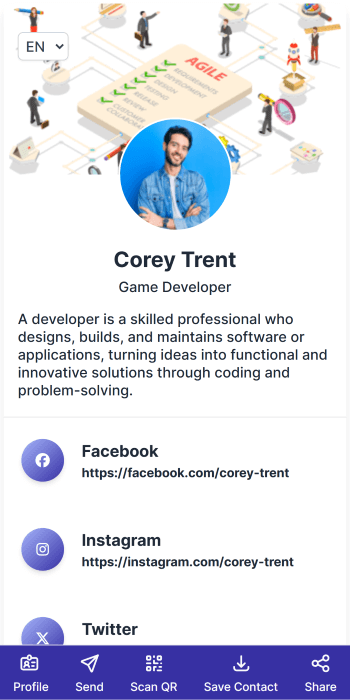
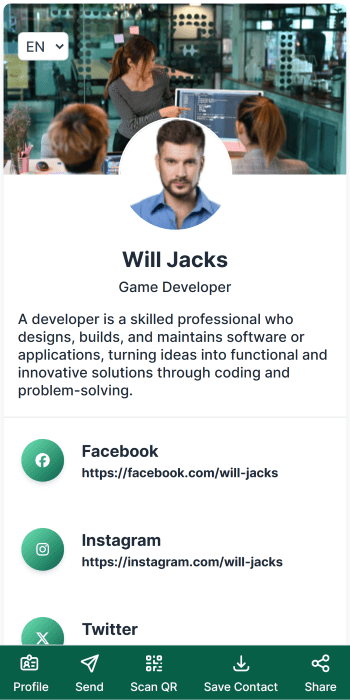
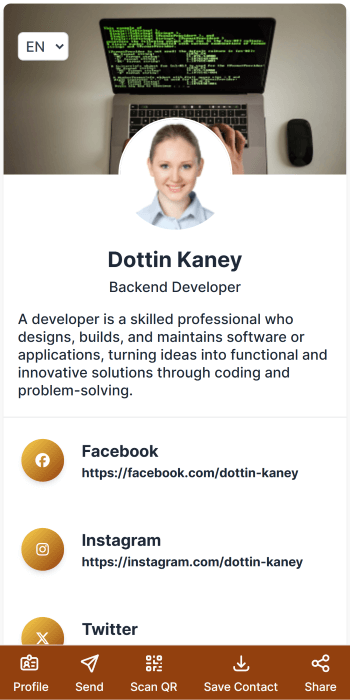
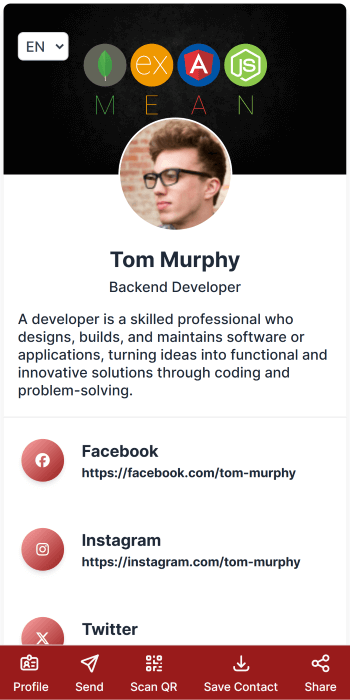
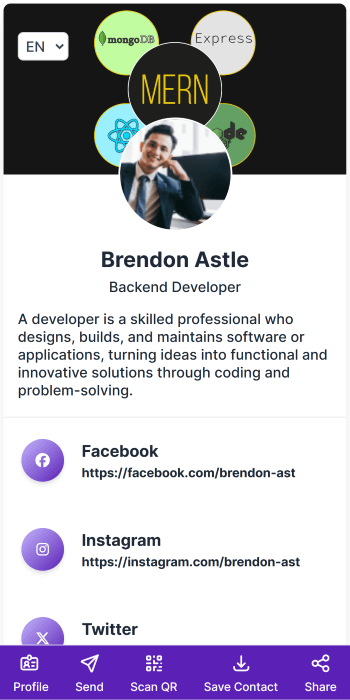
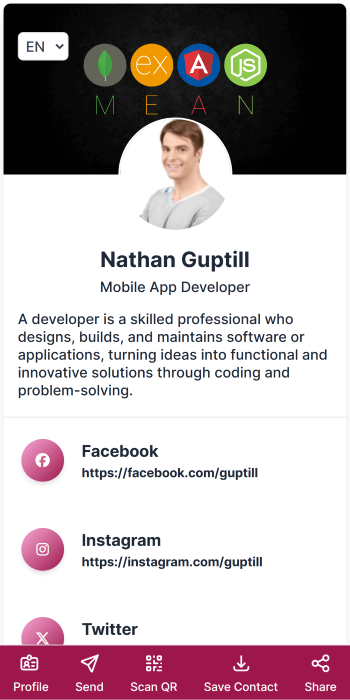
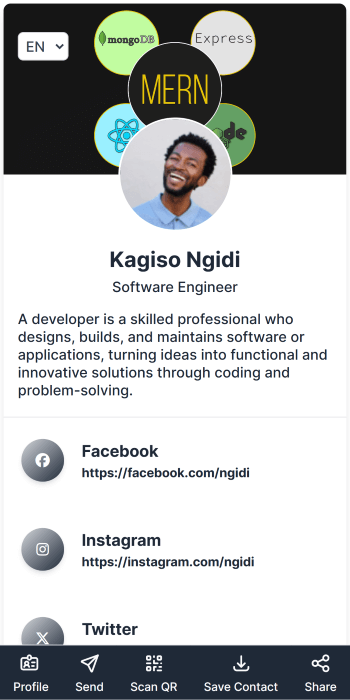
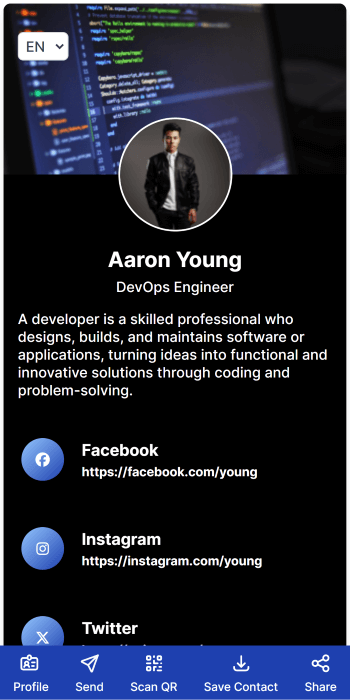
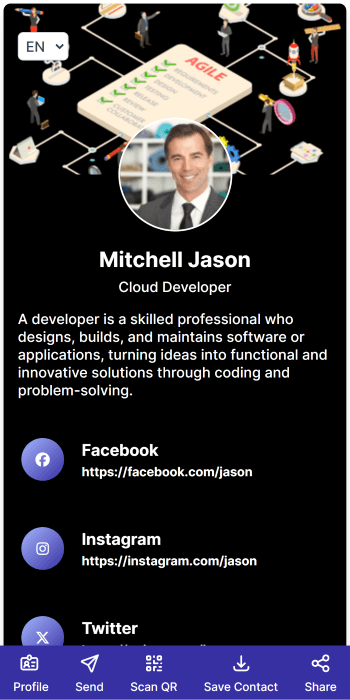
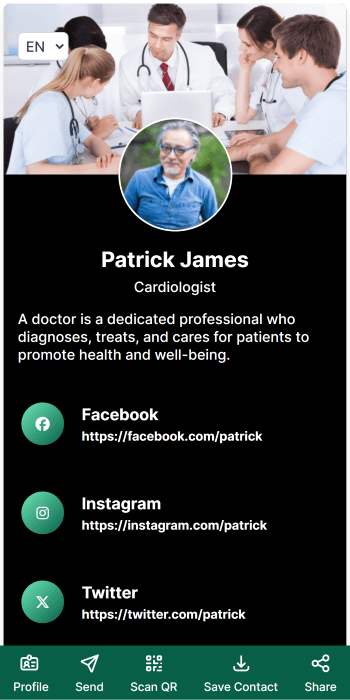
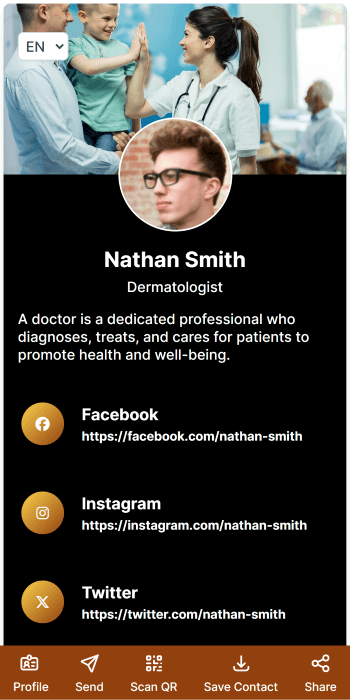
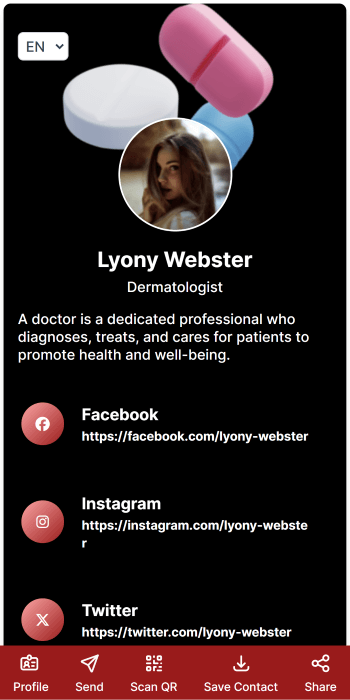
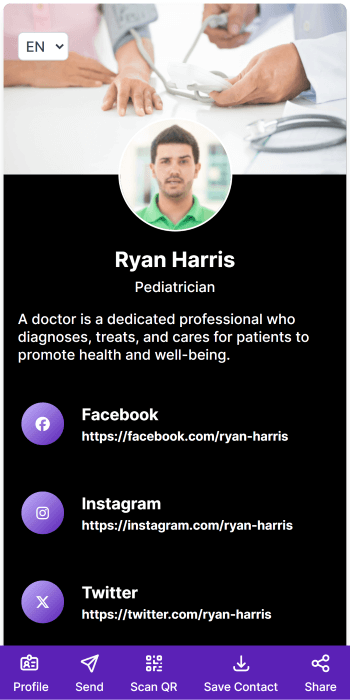
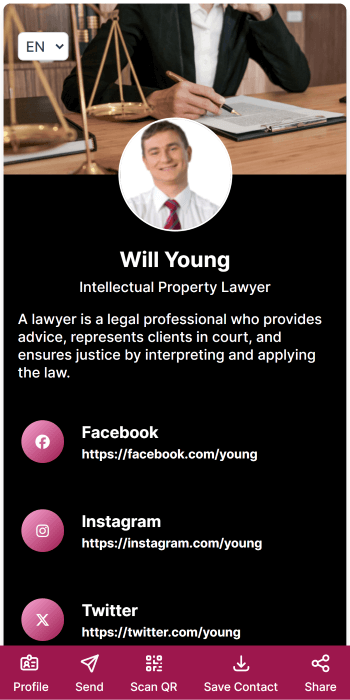
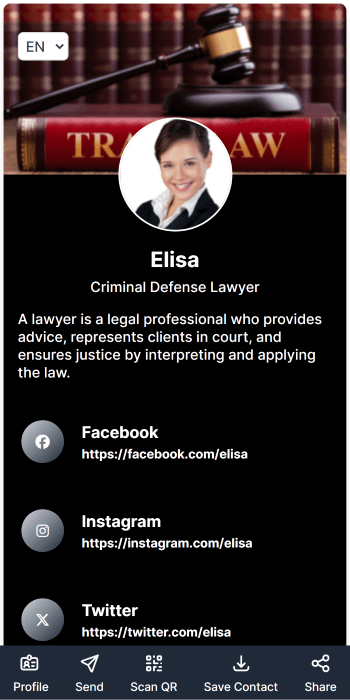
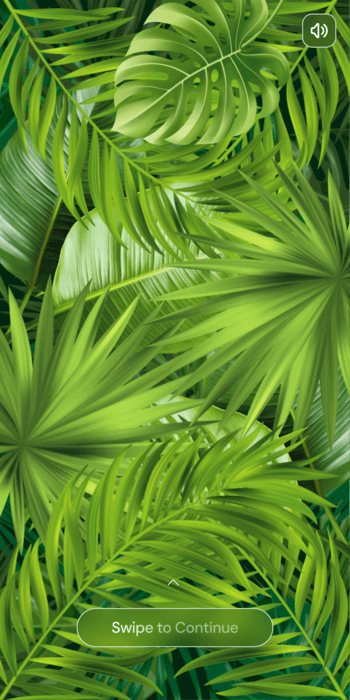
General: Classic
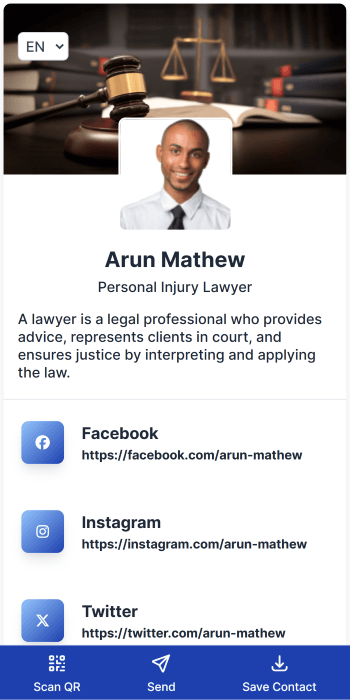
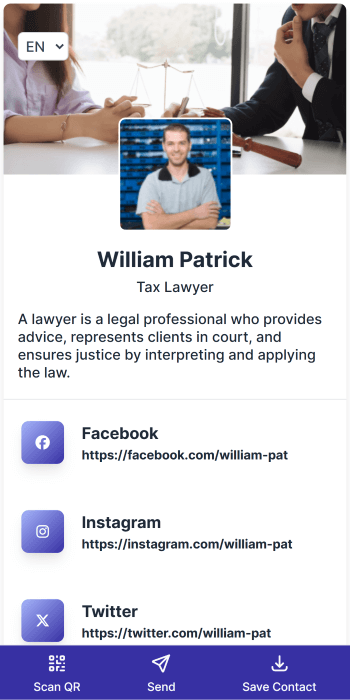
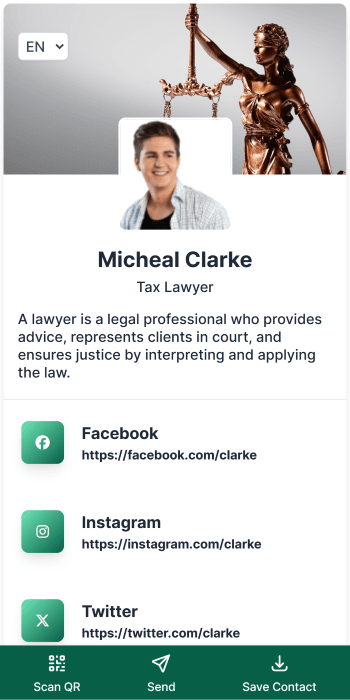
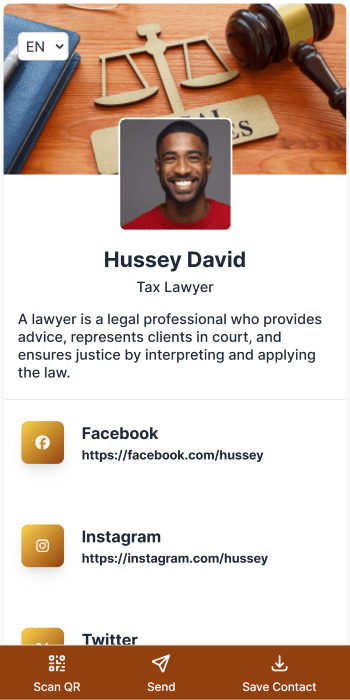
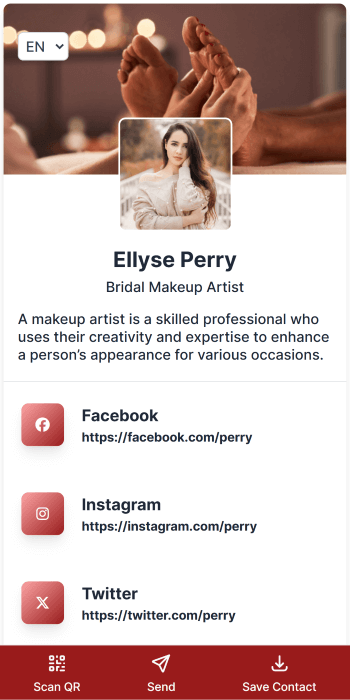
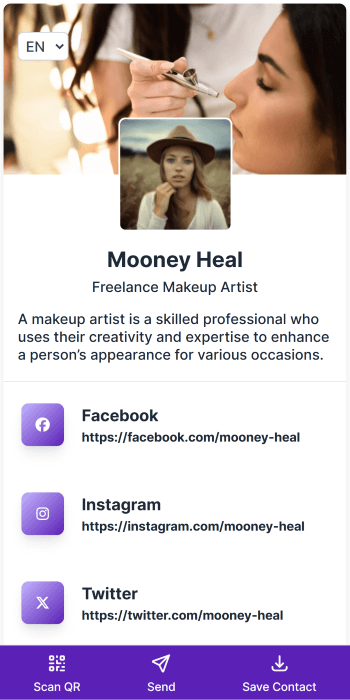
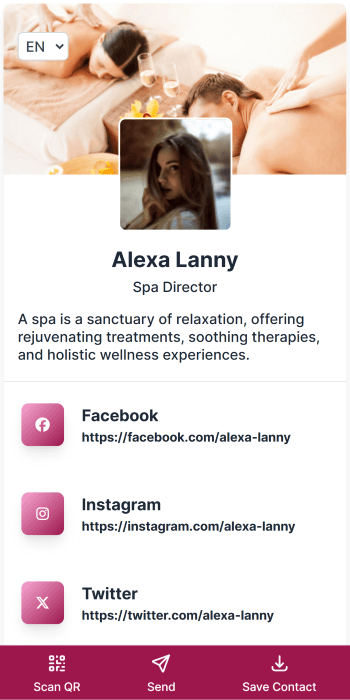
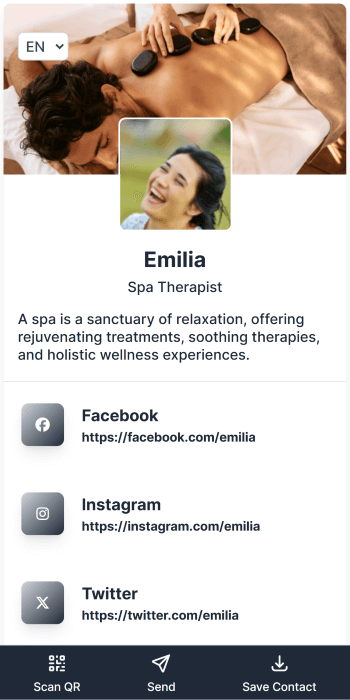
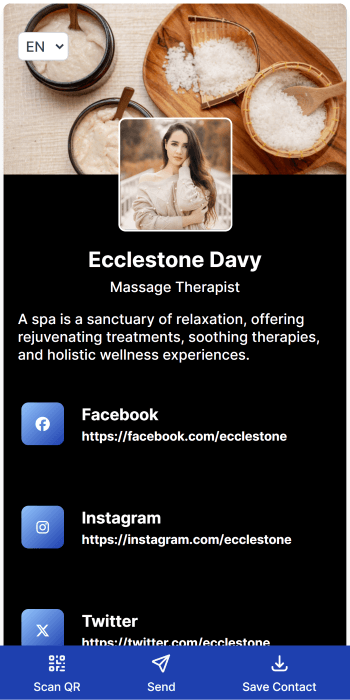
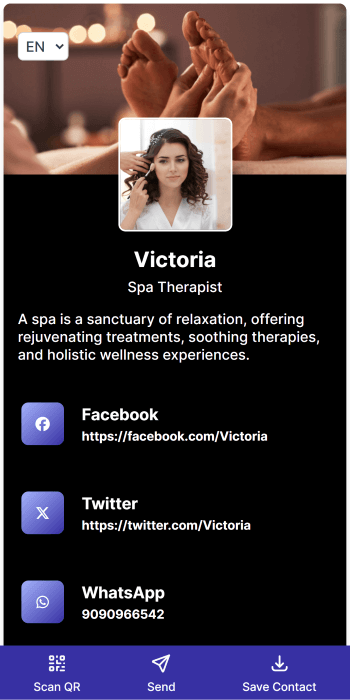
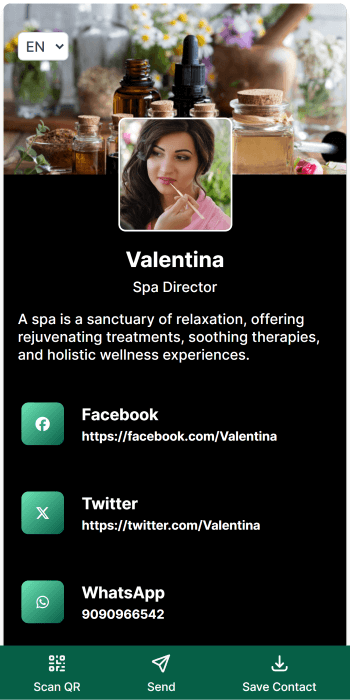
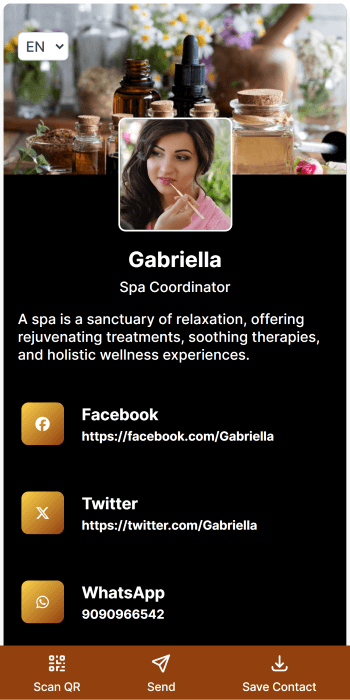
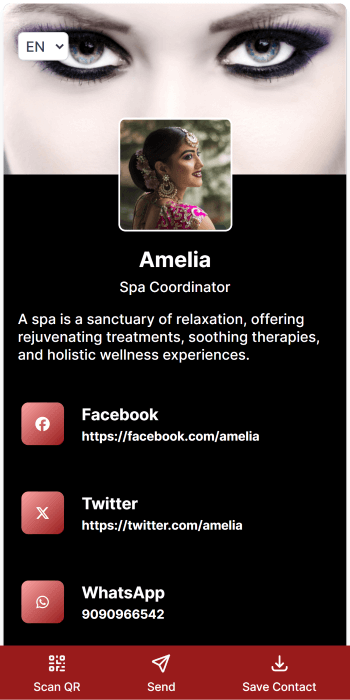
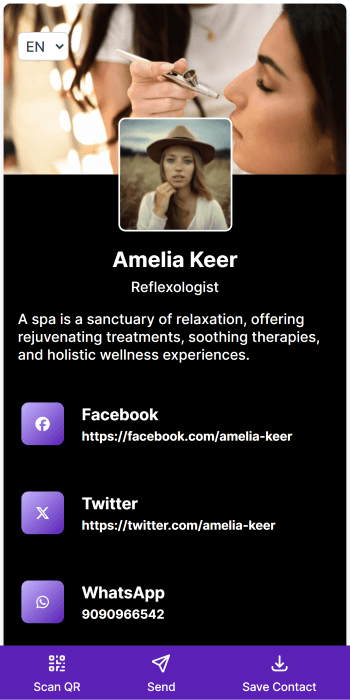
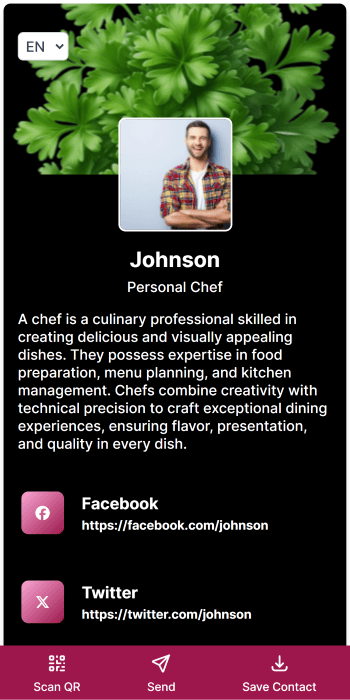
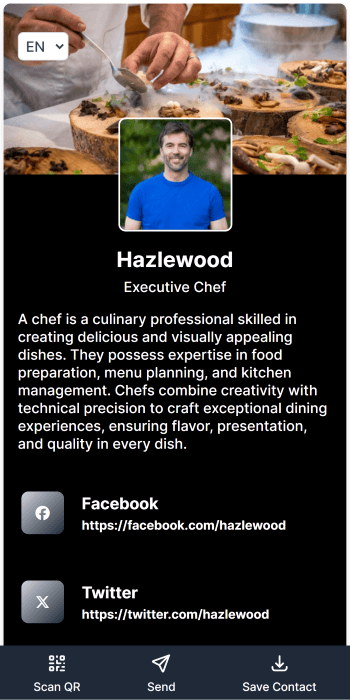
General: Metro
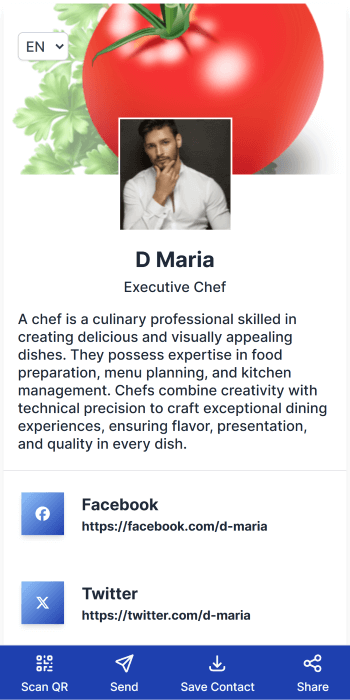
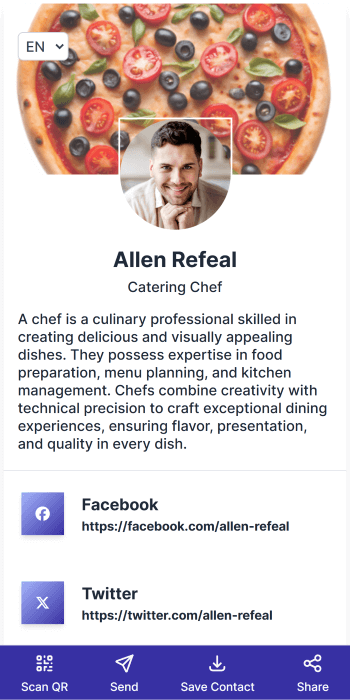
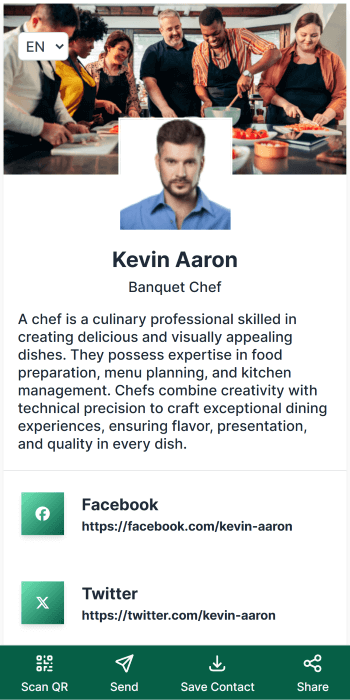
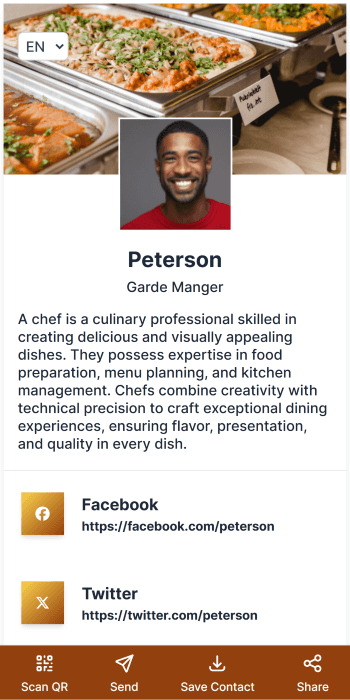
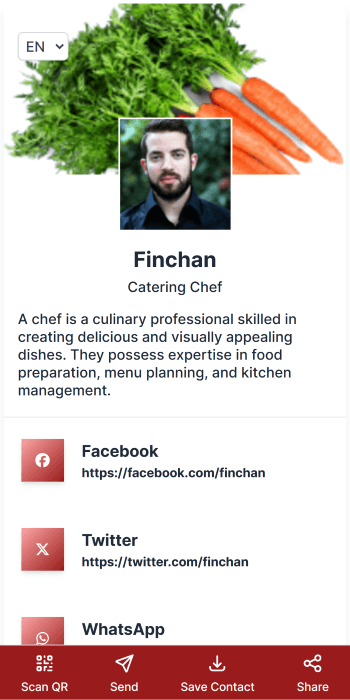
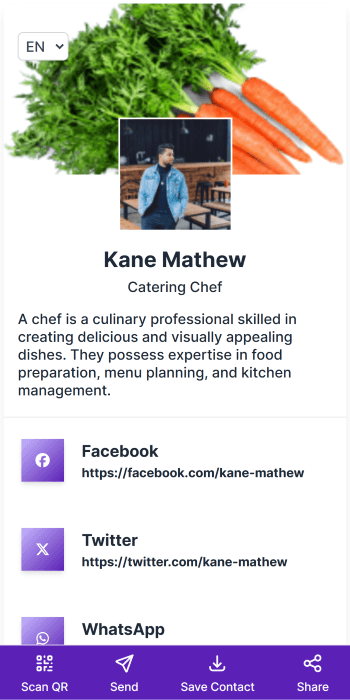
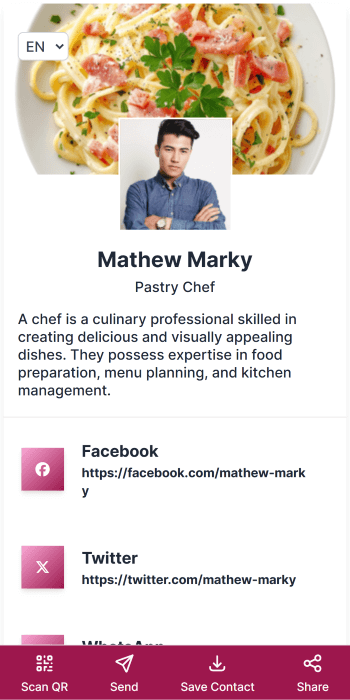
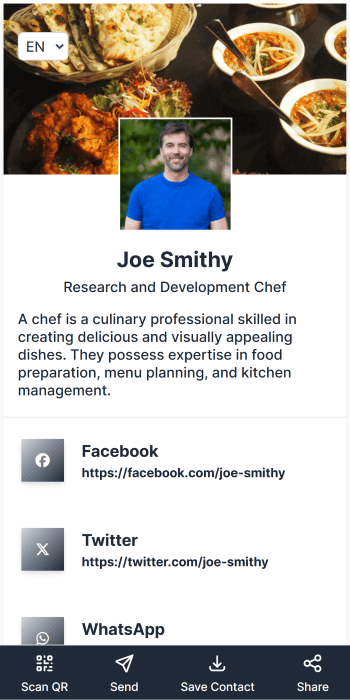
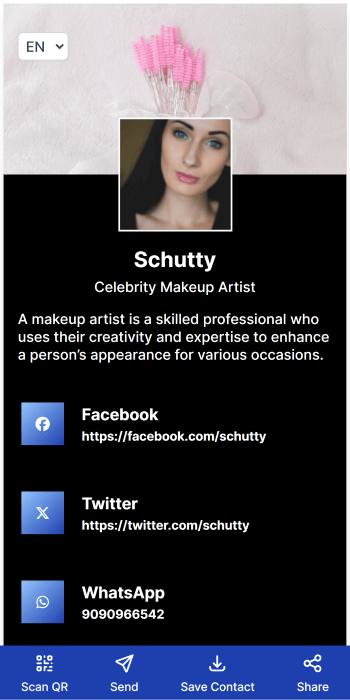
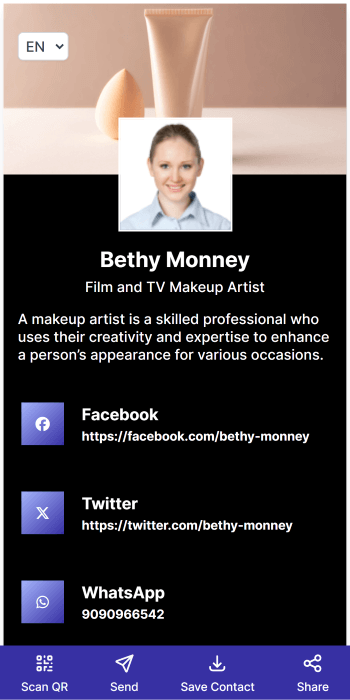
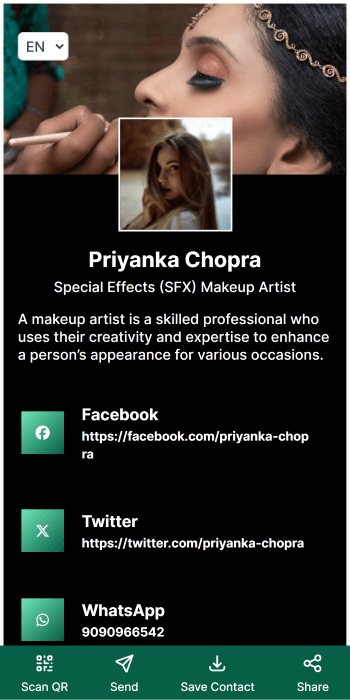
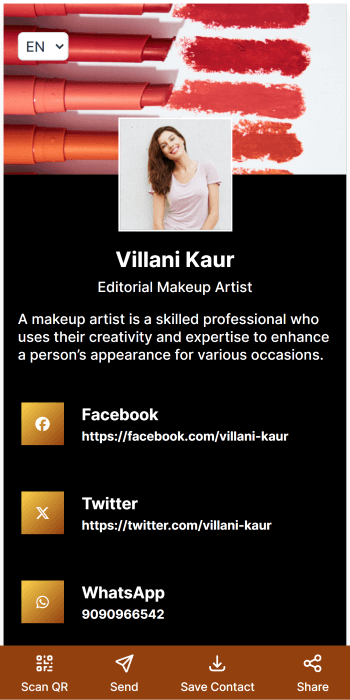
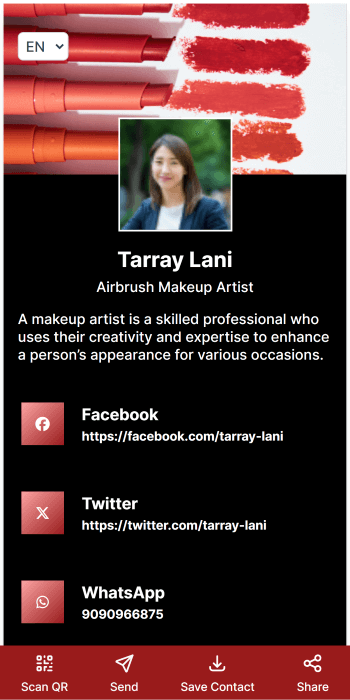
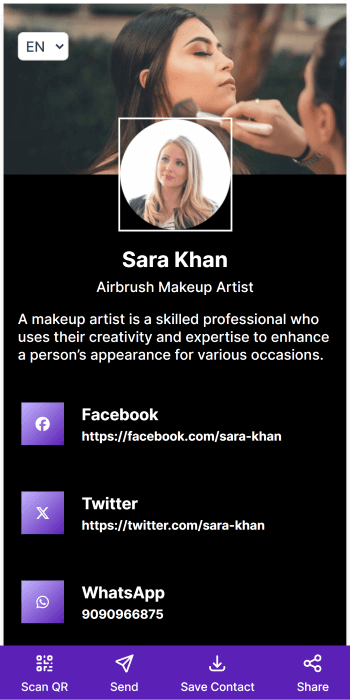
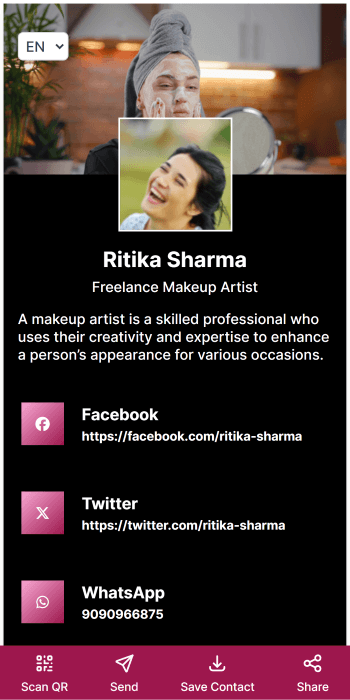
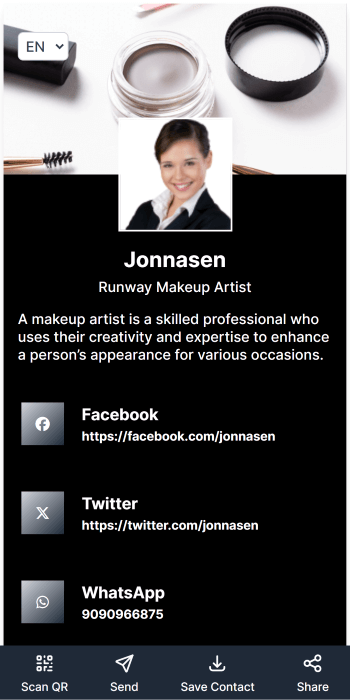
General: Neo
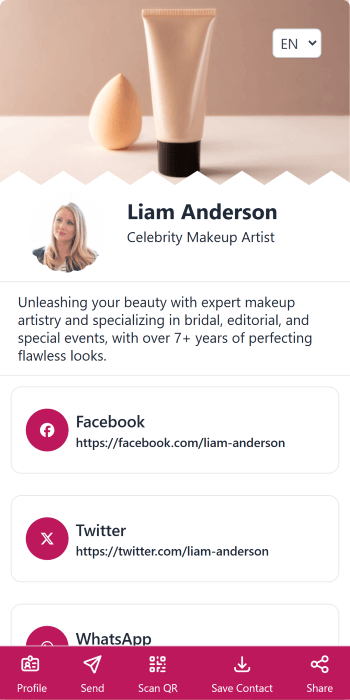
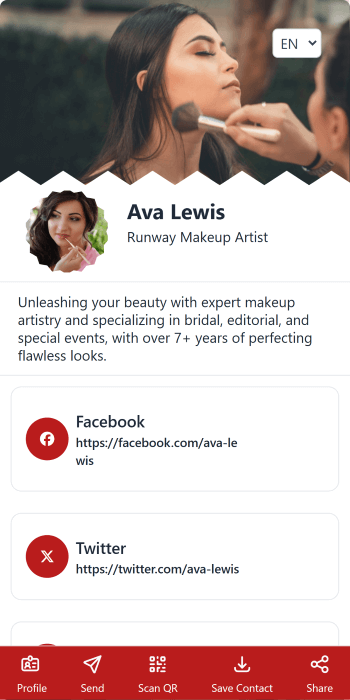
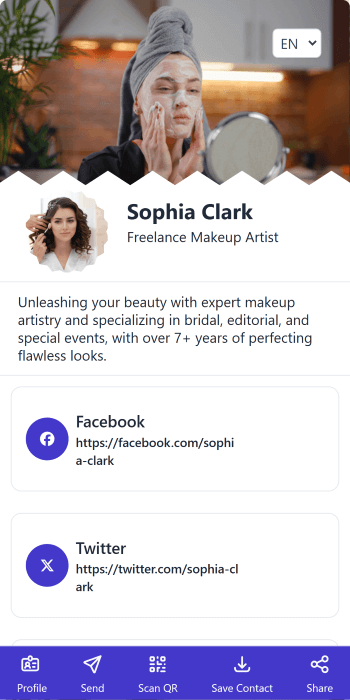
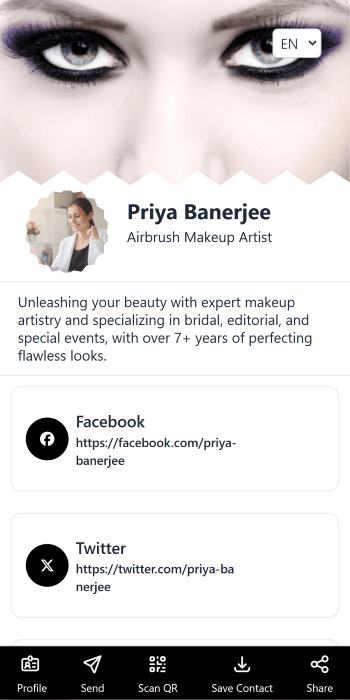
General: Urban
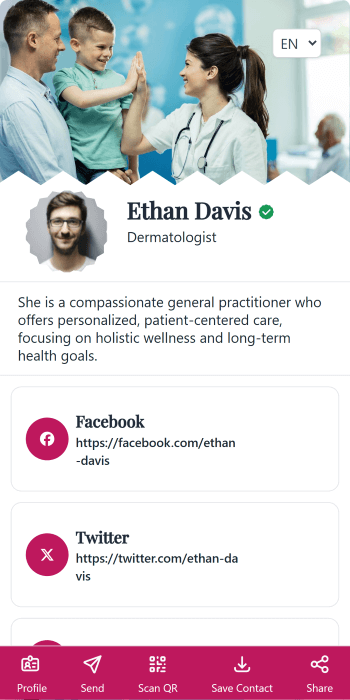
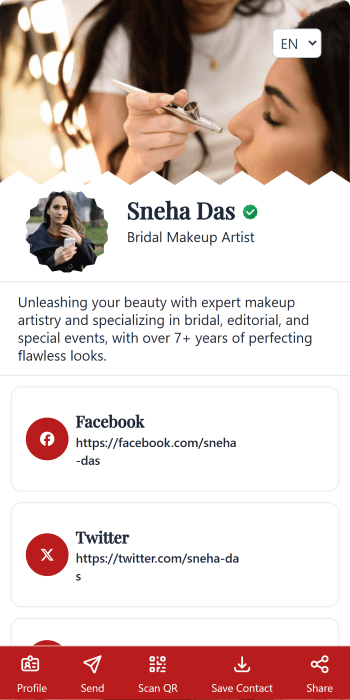
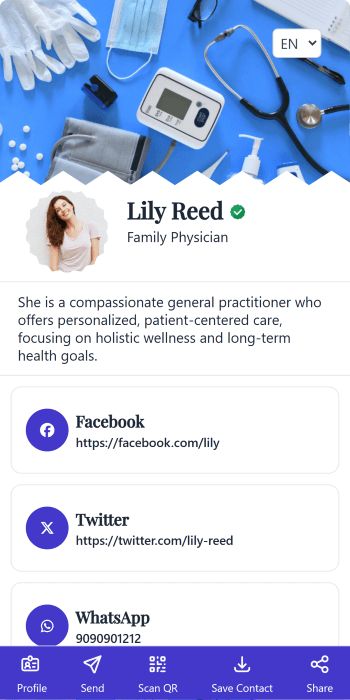
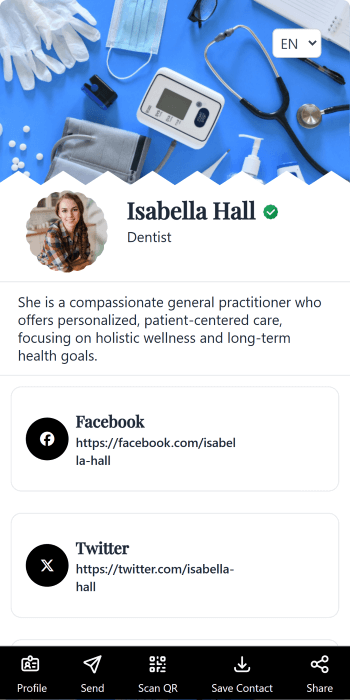
Other designs
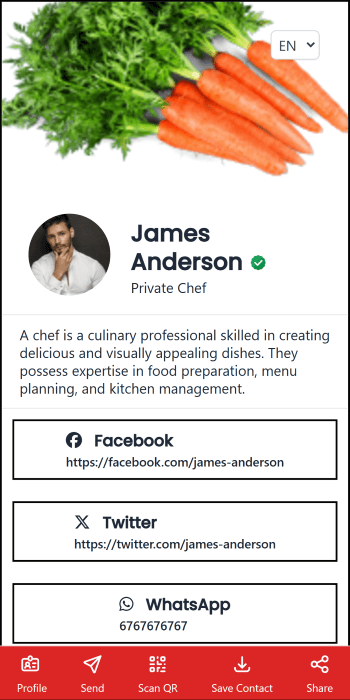
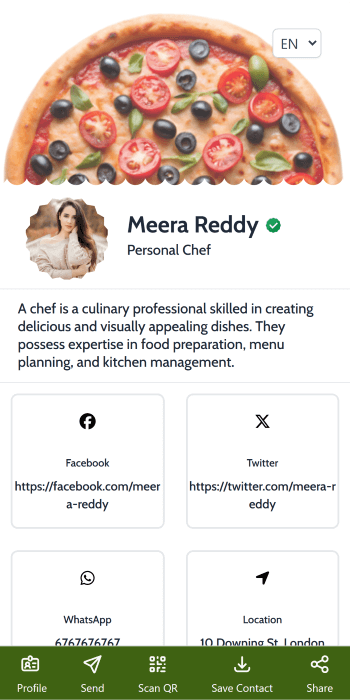
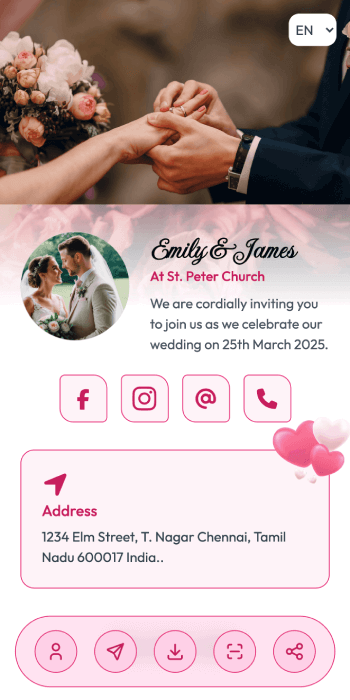
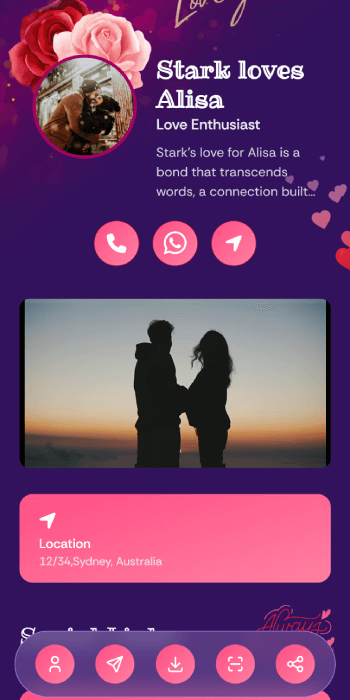
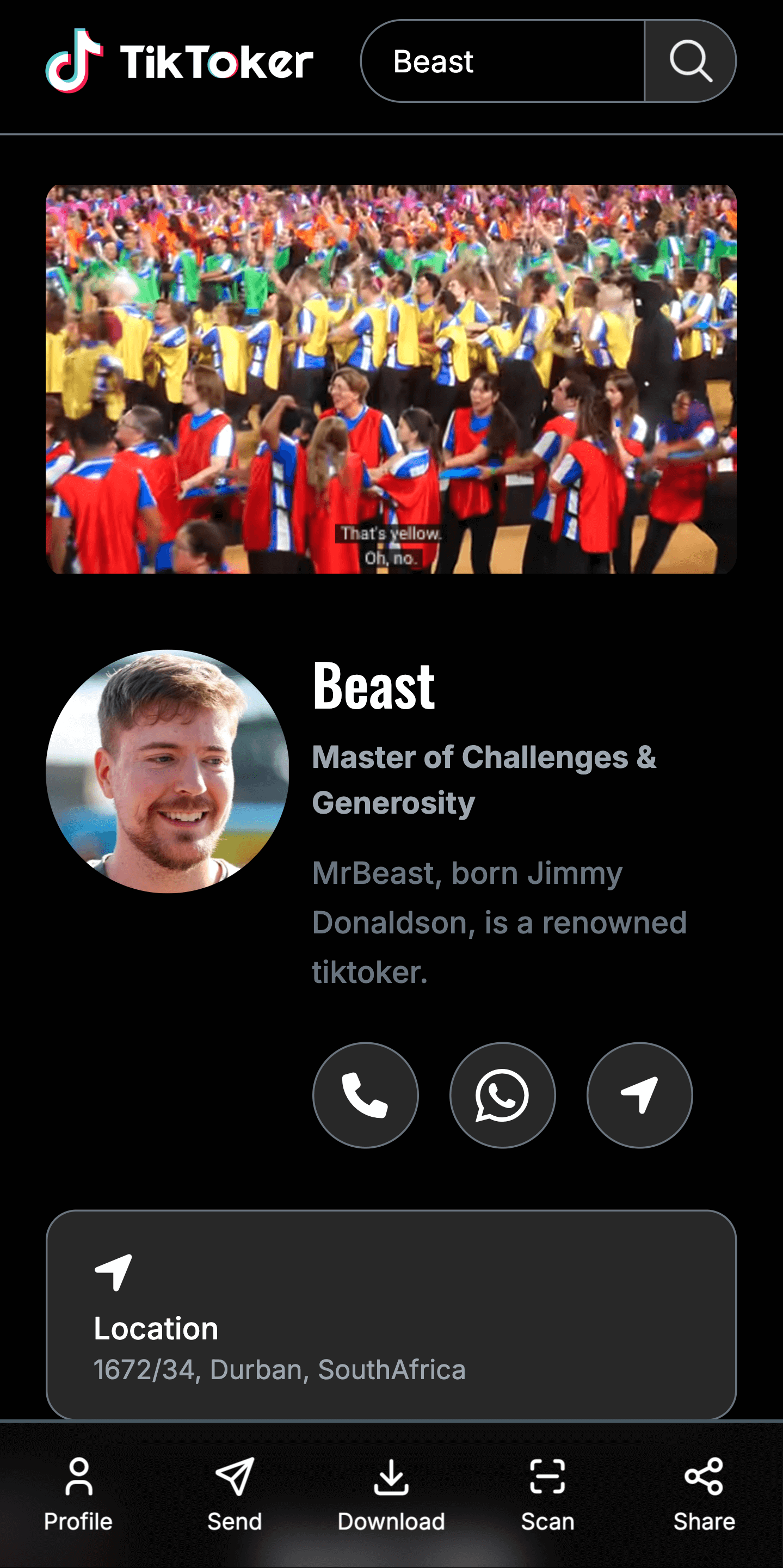
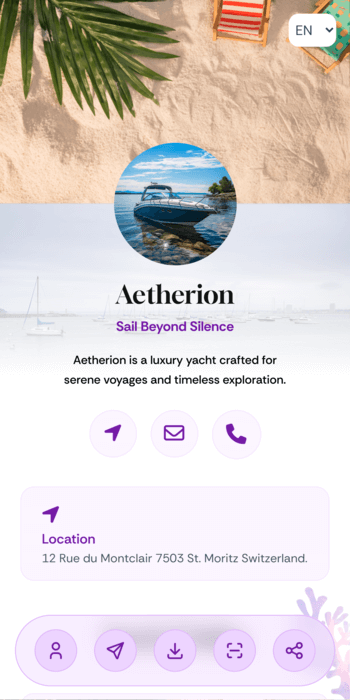
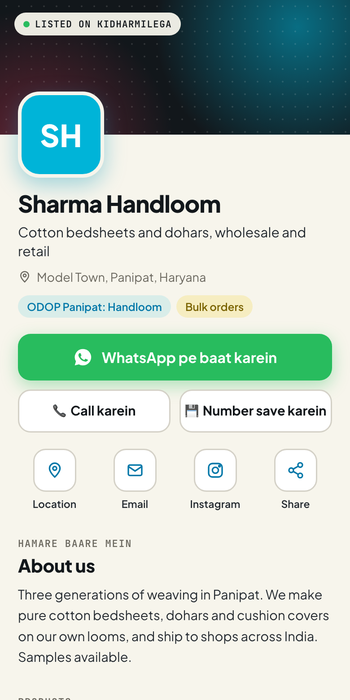
For a personal card
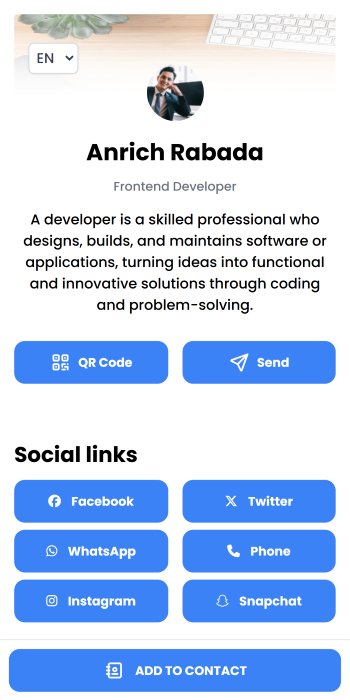
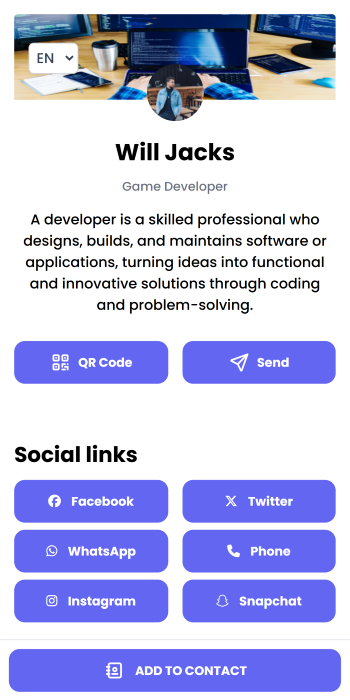
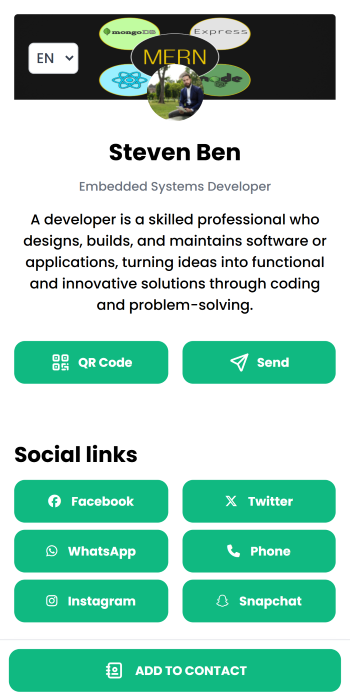
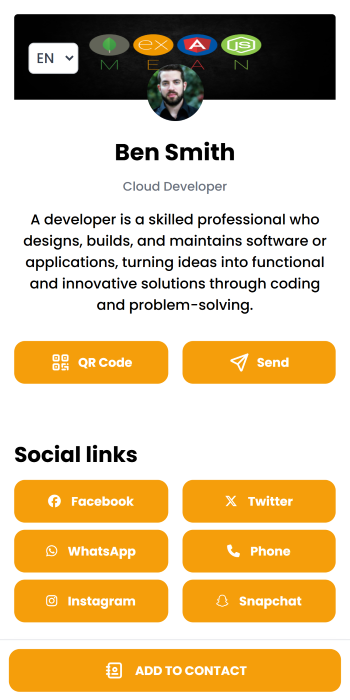
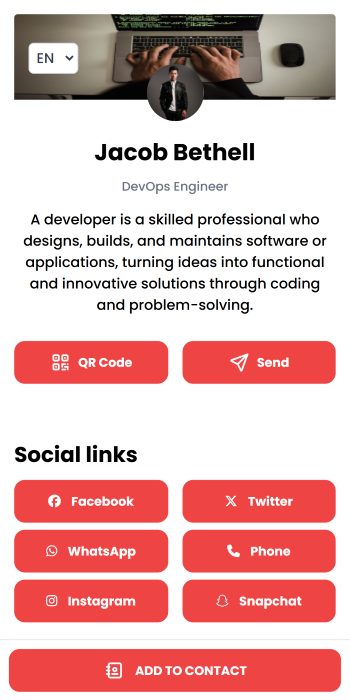
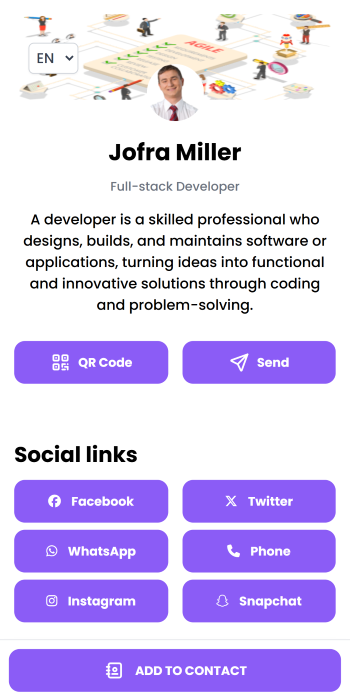
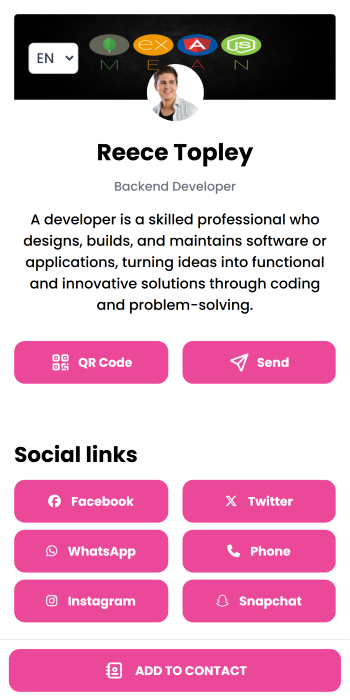
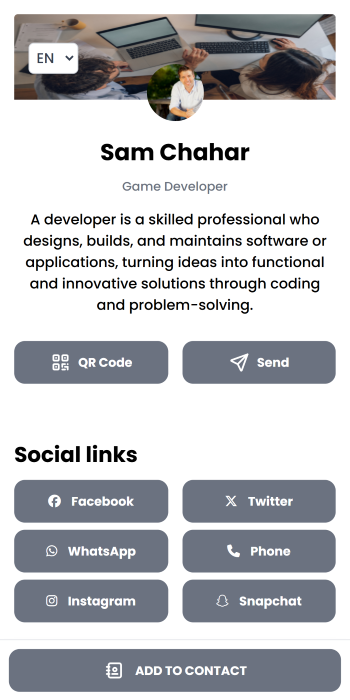
Which one should I pick?
- There is one for your business: start there. It already has the right sections and pictures; swap in your own photos.
- You sell products: Modern, Classic and Metro show a catalogue well.
- Outdoor or phone use in sunlight: pick a Light version, dark text on a light background is easier to read.
Want your own colours and fonts instead? See Colours and fonts. Browse all business types at online.kidharmilega.in/for.